
This article was written by Chris Urban, an automation educator and PLC trainer with over 30 years of hands-on teaching experience. Find Chris on YouTube and LinkedIn. — CU
It’s a fair question — and there’s no simple answer. Let me give you an honest one.
How the PLC Was Born
The person who invented the PLC had a deep understanding of computing design. Back in the mid-1960s, the most advanced small computers available were the minicomputers — the PDP-8 and PDP-11. The philosophy behind the PLC was to strip everything down to the bare minimum needed to do the job.
Minimum RAM. No power on/off switch — this is actually where Steve Jobs took some of his ideas for the first Apple computers and later the iPad. No hard drive. No fans, just natural cooling. Some of those early choices, like the limited RAM, were mistakes corrected later. But the fundamental architecture remained.
The result is a controller that does not work like a personal computer. They are differently structured, and understanding that difference is the first real step in learning PLCs.
PLC, PAC, and IPC — What’s the Difference?
Today’s technology makes the distinction between controllers and computers less obvious than it was 20–30 years ago. But they are still not the same architecture. Here is a quick reference:
| Abbreviation | Full Name | Typical Use |
|---|---|---|
| PLC | Programmable Logic Controller | Discrete and sequential machine control |
| PAC | Programmable Automation Controller | Complex process and motion control |
| IPC | Industrial Personal Computer | SCADA, data logging, high-level computing |
Focus on What Actually Matters — The Memory Map
Unless you are an engineer designing PLCs from scratch, you don’t need to understand the processor technology or the RAM chips inside. What you do need to understand is how the processor manages memory.
Every PLC user manual contains the information you need: where to connect inputs and outputs, how to use virtual relays, timers, counters, networking, and analog channels. All of that useful information lives in the PLC memory map.
Here is the important catch: even if the hardware from various PLC brands uses similar functional logic, the way memory is mapped is almost always proprietary. It can be completely different from one brand to another — and sometimes even between models from the same manufacturer.
That means every time you encounter a new PLC model, the memory map may not offer backward compatibility. Starting over with every new platform costs years of accumulated time if you’re not careful about how you approach it.
The Practical Advice: Start With One Platform
If you don’t want to spend years wrestling with an infinite variety of memory maps, focus first on one PLC model — one that is widely available, affordable, and well documented.
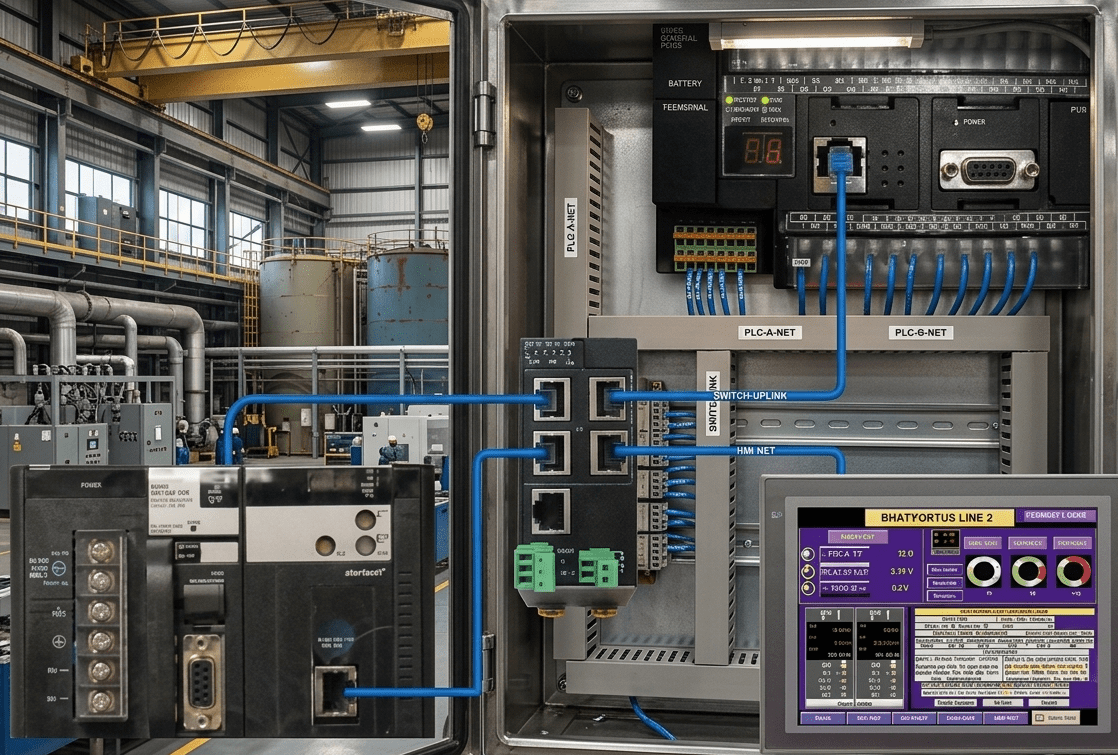
After comparing the ease of programming in Ladder Logic across many brands — Klockner-Moeller, Siemens, Omron, IDEC, Crouzet, Modicon, Open Source, AutomationDirect/Koyo — Chris settled on three Omron models for his classes:
- CP1L — Entry level, ideal for beginners
- CP1H — High-performance and extensible
- CJ2M — Pure modular, ideal for networking
The choice came partly from 25 years of experience with Omron and partly from the influence of Arnold Taddeo — now head of production for ABB AC drives — who instilled strong programming practices in Chris’s hardware background early in his career.
So — Do You Need a Physical Trainer?
The honest answer is: a good software simulator gets you further than most people expect.
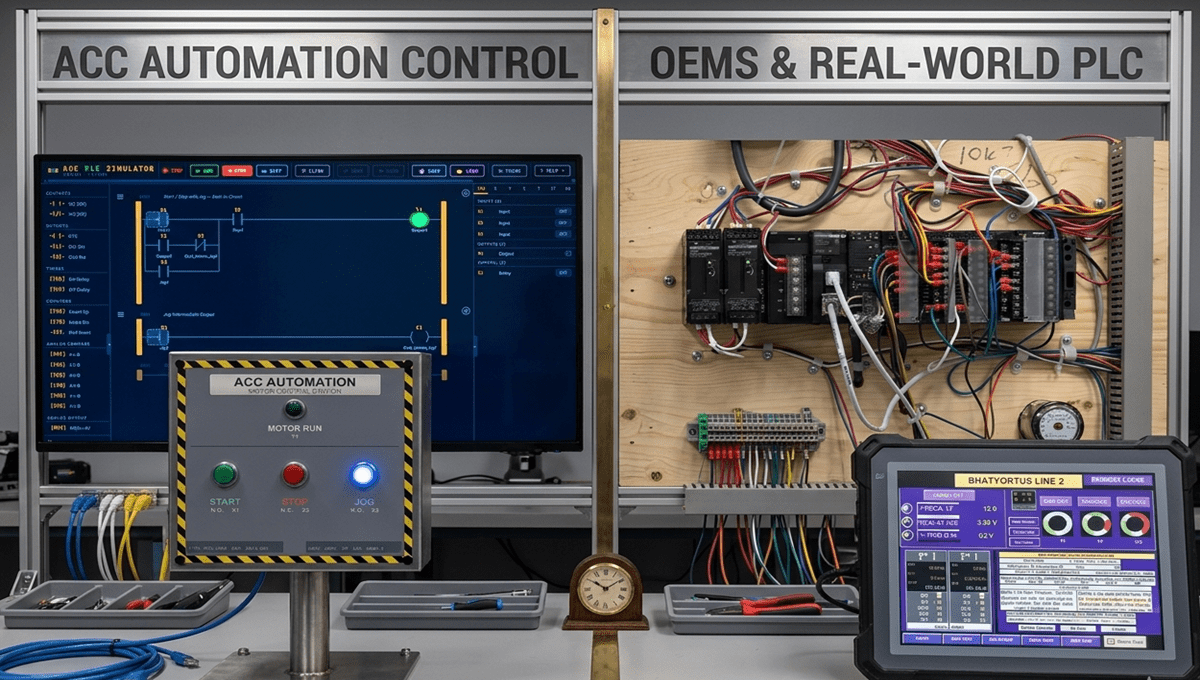
It’s a significant step forward if you have access to a good software simulator like the ACC PLC Simulator — free, browser-based, no install required. You can practice ladder logic, work with timers and counters, and connect real industrial scenes without touching any hardware.
But if you want to go further — and Chris believes you should — building your own budget trainer takes you somewhere a simulator cannot. You learn about hardware. You face the real challenges of wiring parts together. You watch your program interact with physical reluctance: timer sequences that don’t behave as expected, relay contacts clicking too early or too late, counter logic that surprises you.
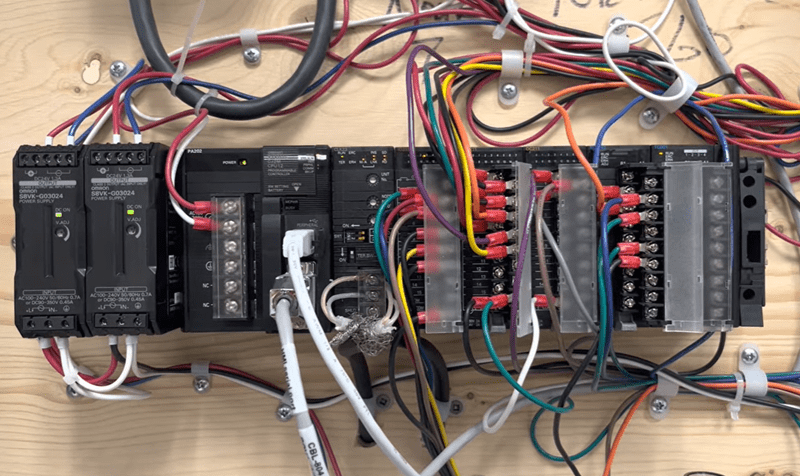
That hands-on friction is part of the education. It’s not a bug — it’s the point.
Chris’s YouTube Playlists
Chris has documented the process of building and using trainers across three YouTube playlists:
1. PLC Trainers Step by Step (videos #0–#22)
A complete walkthrough of building your own trainer on a minimum budget. Follow the series from scratch.
2. Your Time to Shine
With the agreement of two former students, Chris documents how Diyu and Rodney each built their own PLC trainers from start to finish. Some videos run 2 hours. Both students are now working as experienced technicians.
3. The French Connection
A network of 11 interconnected workstations running expensive industrial PLCs, simulating tasks that trigger each other in a loop. A glimpse into what a real local PLC network looks like in practice — hardware that most people will never have access to any other way.
Find all three playlists on Chris’s YouTube channel.
Ready to start practicing right now? The free ACC PLC Simulator runs entirely in your browser — no hardware, no software to install, no cost. It’s a solid first step before you commit to building a physical trainer.
About the author: Chris Urban is an automation educator and PLC trainer with over 30 years of hands-on teaching experience in vocational training centers. Find him on YouTube and LinkedIn. — CU