EMR Contacts in Applications

electro-mechanical contacts (EMC) in applications

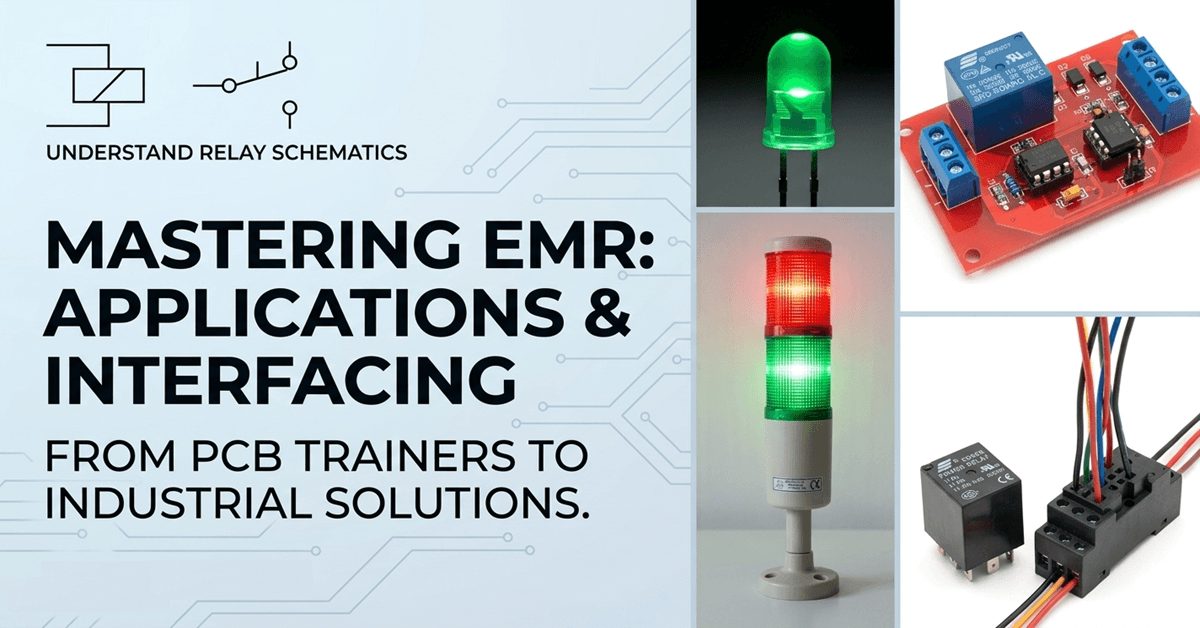
This EMR Applications article was written by Chris Urban, an automation educator and PLC trainer with over 40 years of hands-on experience. Find Chris on YouTube and LinkedIn. — CU In the complex world of automation, reliability often boils down to a single, fundamental component: the electromechanical relay (EMR) contact. Whether you are troubleshooting a legacy system or … Read more

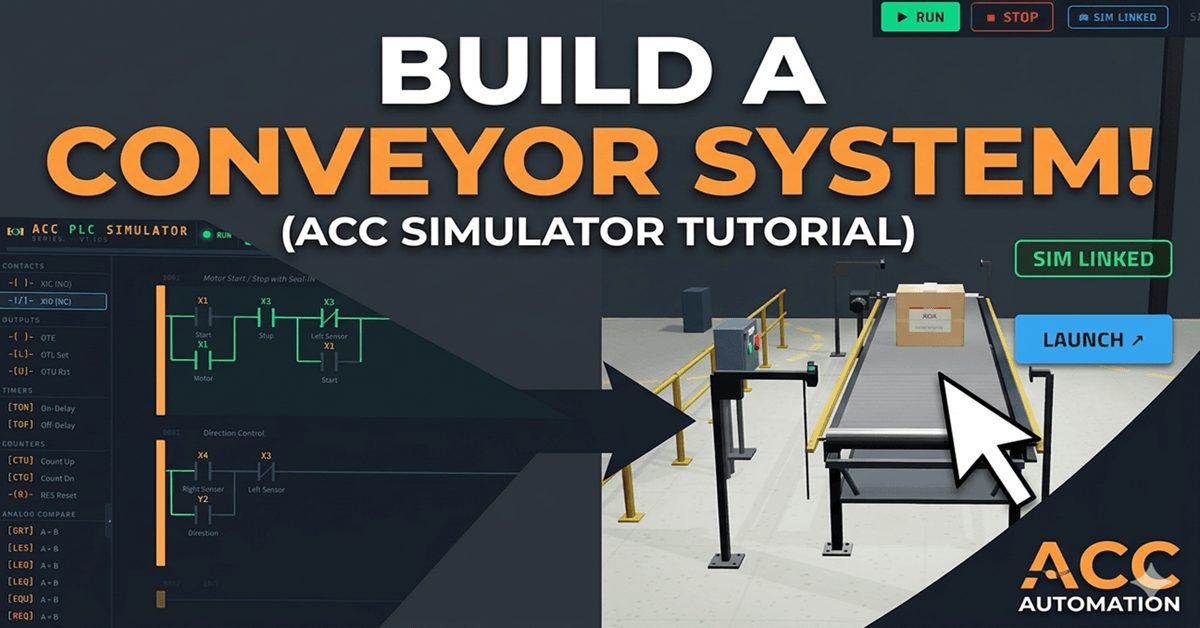
PLC Programming Tutorial: Build a Conveyor System (ACC Simulator)

In this tutorial, I am going to walk you through the Conveyor Scene in the ACC PLC Simulator. This is a single-axis belt conveyor with proximity sensors at each end and a box that travels back and forth along the belt. You will write a ladder logic program that starts the conveyor, detects the box … Read more

Relay Symbols and Abbreviations Glossary

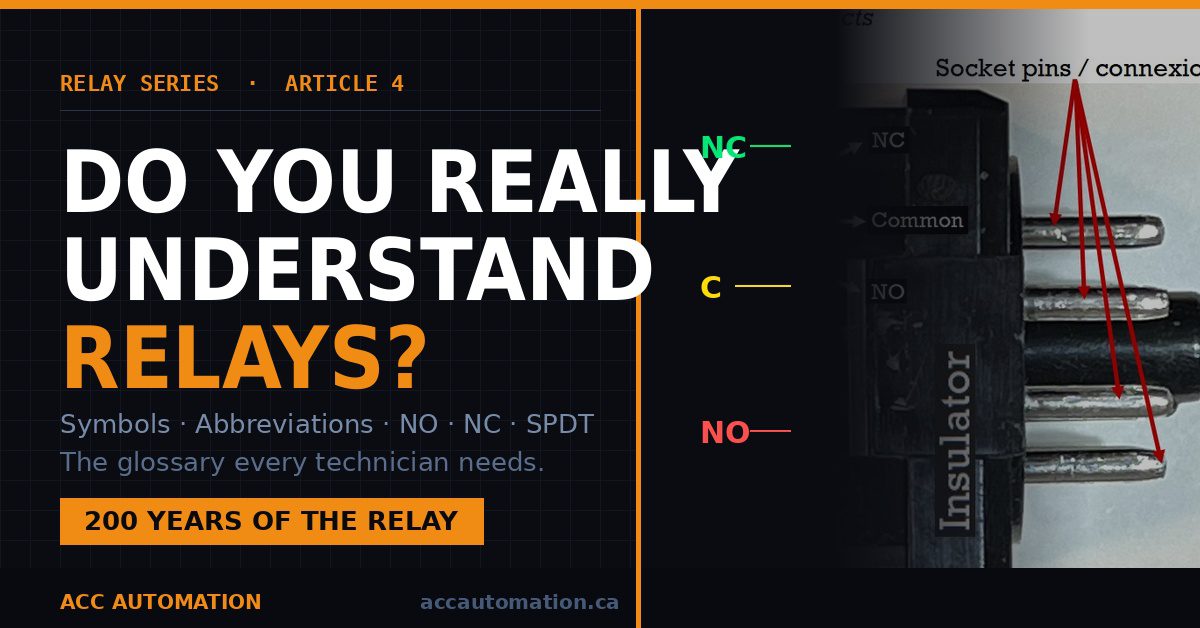
Do you really understand relays?

This article was written by Chris Urban, an automation educator and PLC trainer with over 40 years of hands-on experience. Find Chris on YouTube and LinkedIn. — CU This is the fourth article in the relay series. If you missed the previous one, start here:The Relay Obituary? Not So Fast! Before diving into how relay contacts are used in … Read more

P1-M622-16DR Mini PLC – Timer Instructions! ⏱️

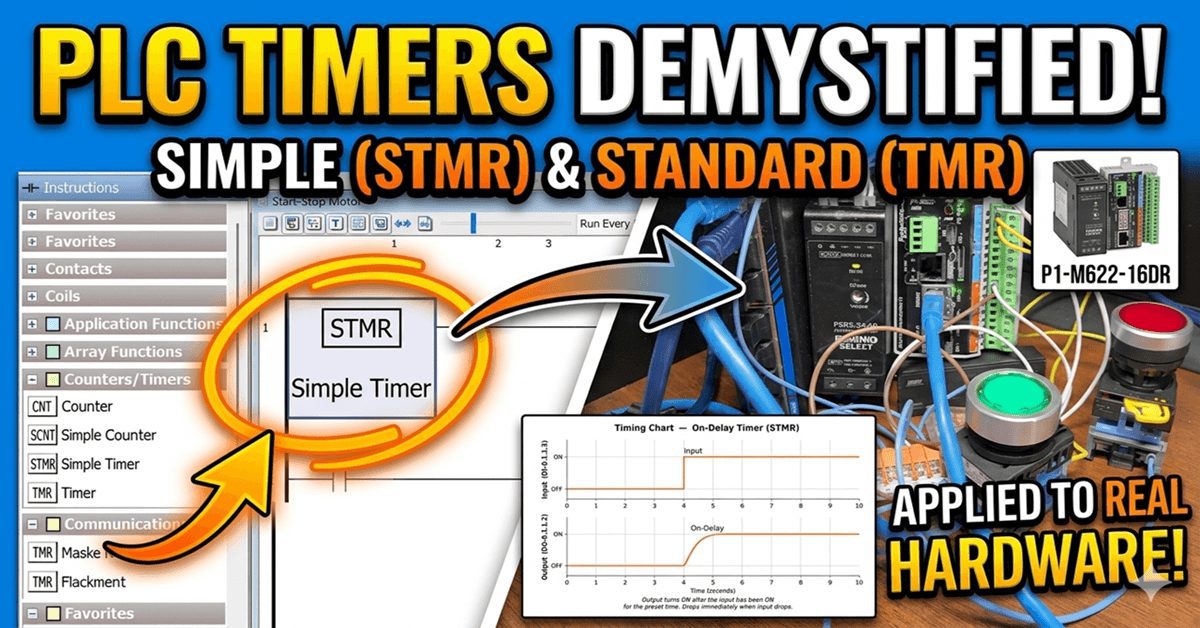
P1-M622-16DR Mini PLC – Timer Instructions!⏱️

Almost every PLC program includes a timer instruction. The Productivity Mini PLC P1-M622-16DR (P1 Mini) offers several timer instructions. (P1 Timer) We discussed the Timed Coil (TMC) and Flasher Coil (FLS) in our last post as part of our discussion of contacts and coils. In this session, we will review the instructions for the Simple … Read more

Control 3D PLC Scenes With Zero Hardware? Here’s How…

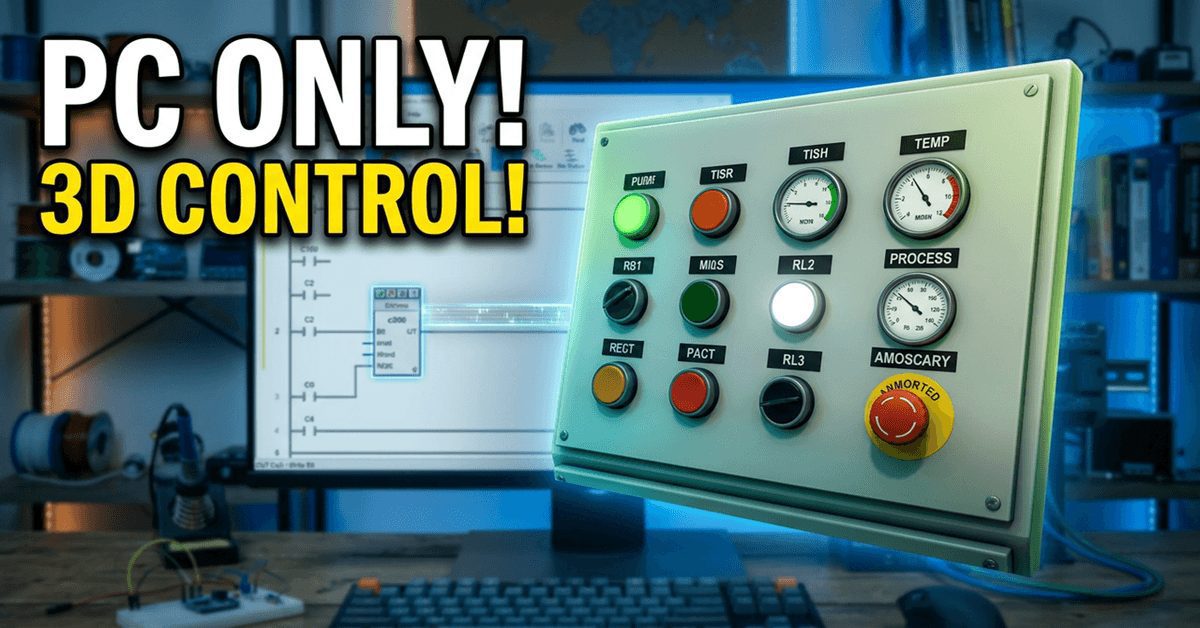
You Don't Need Hardware to Control 3D PLC Scenes!

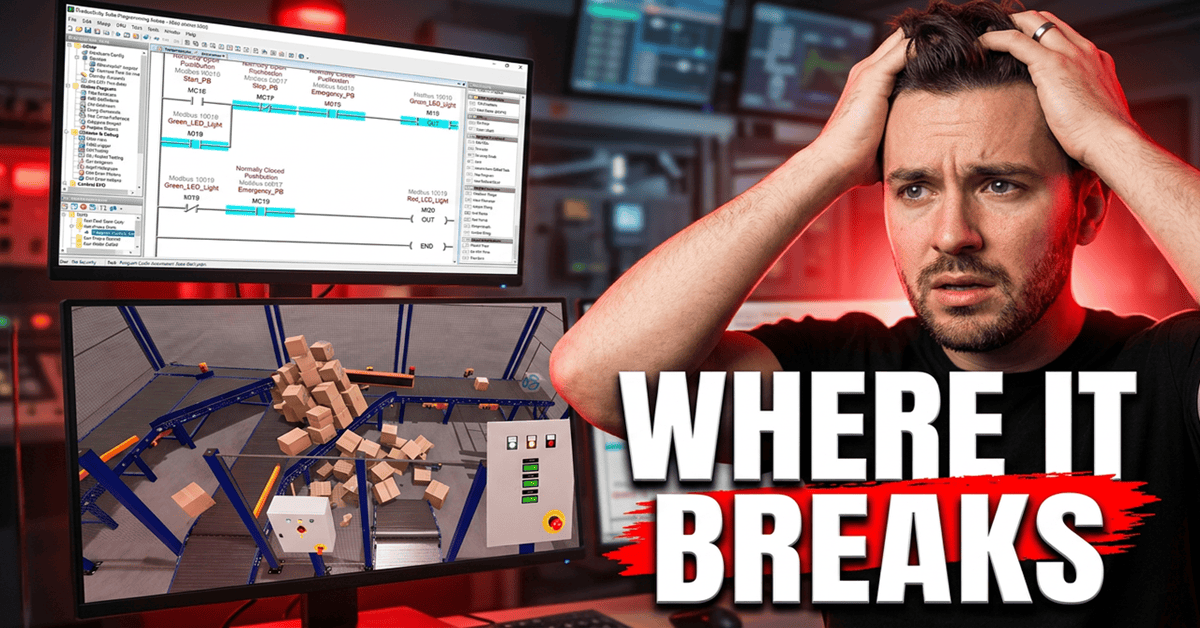
In this tutorial, I will show you how to connect the ACC PLC Simulator’s 3D Control Panel Scene to the BRX Do-More PLC using Modbus TCP over Ethernet. We will use the Do-More Simulator that comes built into the Do-More Designer programming software. This means you don’t need any physical hardware. You will write real … Read more

DIY PLC Training Lab: Lessons from 30 Years of Teaching

DIY PLC Training Lab: Lessons from 30 Years of Teaching

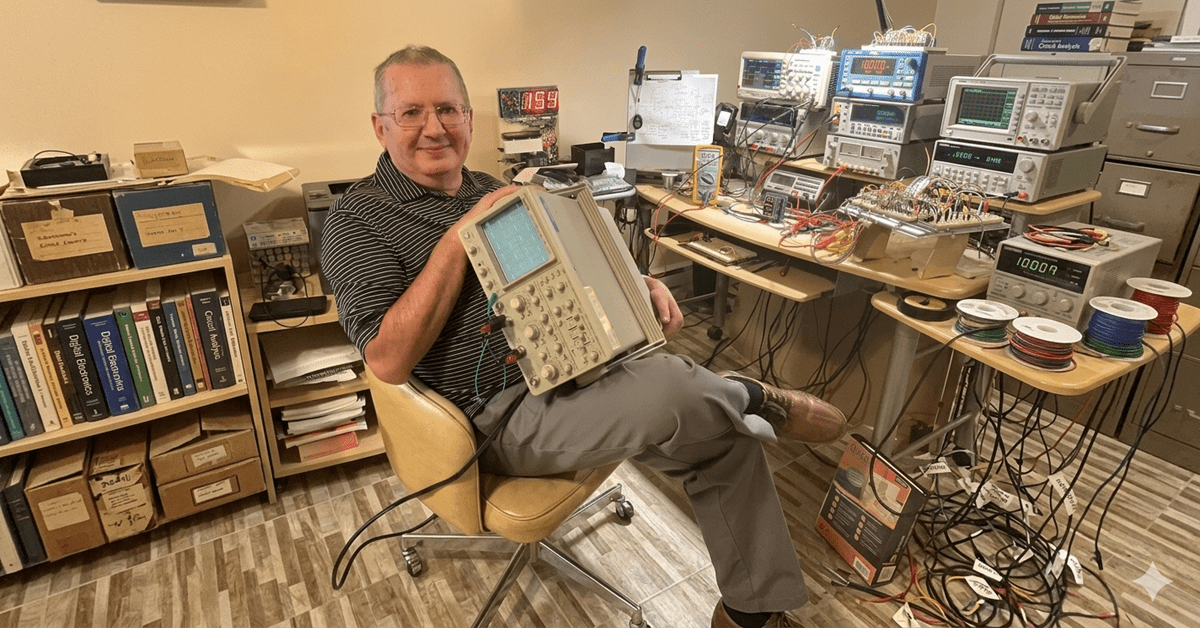
ACC Automation is growing — and part of that growth is bringing in voices from outside my own experience. I want to introduce you to Chris Urban, an automation educator and PLC trainer based near Montreal, Quebec, who has been teaching technicians and engineers for over 30 years. Chris reached out after finding the ACC PLC Simulator, and … Read more

ACC PLC Simulator – How to Use the Free Browser-Based PLC Trainer

ACC PLC Simulator – How to Use the Free Browser-Based PLC Trainer

The ACC PLC Simulator is a free, browser-based ladder-logic editor and PLC scan engine. There is nothing to download or install. You open it in Chrome, Edge, or Firefox and start programming immediately. I built this simulator so that anyone learning PLC programming can get hands-on practice without needing hardware. It uses standard PLC register … Read more

Is It Really Worth Building a PLC Trainer?

This article was written by Chris Urban, an automation educator and PLC trainer with over 30 years of hands-on teaching experience. Find Chris on YouTube and LinkedIn. — CU It’s a fair question — and there’s no simple answer. Let me give you an honest one. How the PLC Was Born The person who invented the PLC had a … Read more

How to Use the ACC PLC Simulator — Control Panel Scene Tutorial

How to Use the ACC PLC Simulator — Control Panel Scene Tutorial

If you’ve ever wanted to practice PLC ladder logic without buying hardware, the ACC PLC Simulator is built for you. It’s free, it runs in your browser, and it uses standard PLC register conventions. No downloads. No license fees. Just open the page and start programming. In this tutorial, I’m going to walk you through … Read more

Tag Database Tutorial for Automation Direct Mini PLCs!

Tag Database Tutorial for Automation Direct Mini PLCs!

We will now look at the tag numbering systems used with the Productivity Mini PLC P1-M622-16DR. The Productivity Suite Software allows us to use tags in the PLC. Tags are a method for assigning and referencing memory locations (numbering systems) within the programmable logic controller. They allow a more structured programming approach and are stored … Read more