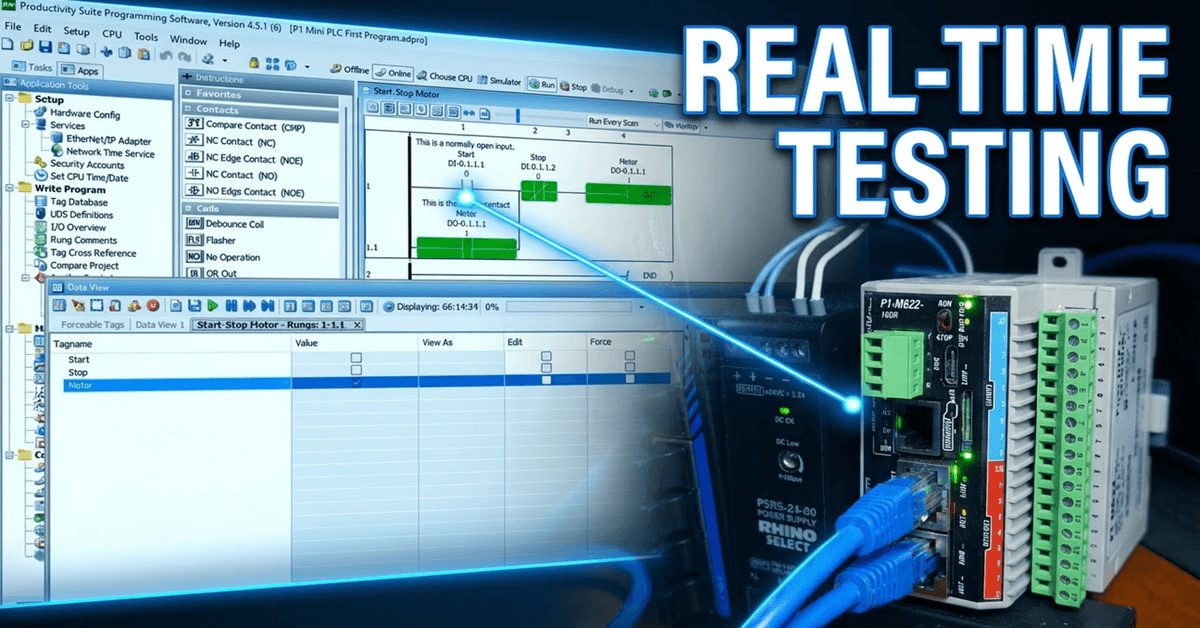
P1-M622-16DR Mini PLC: Your Simulator Adventure Starts Now!

P1-M622-16DR Mini PLC: Your Simulator Adventure Starts Now!
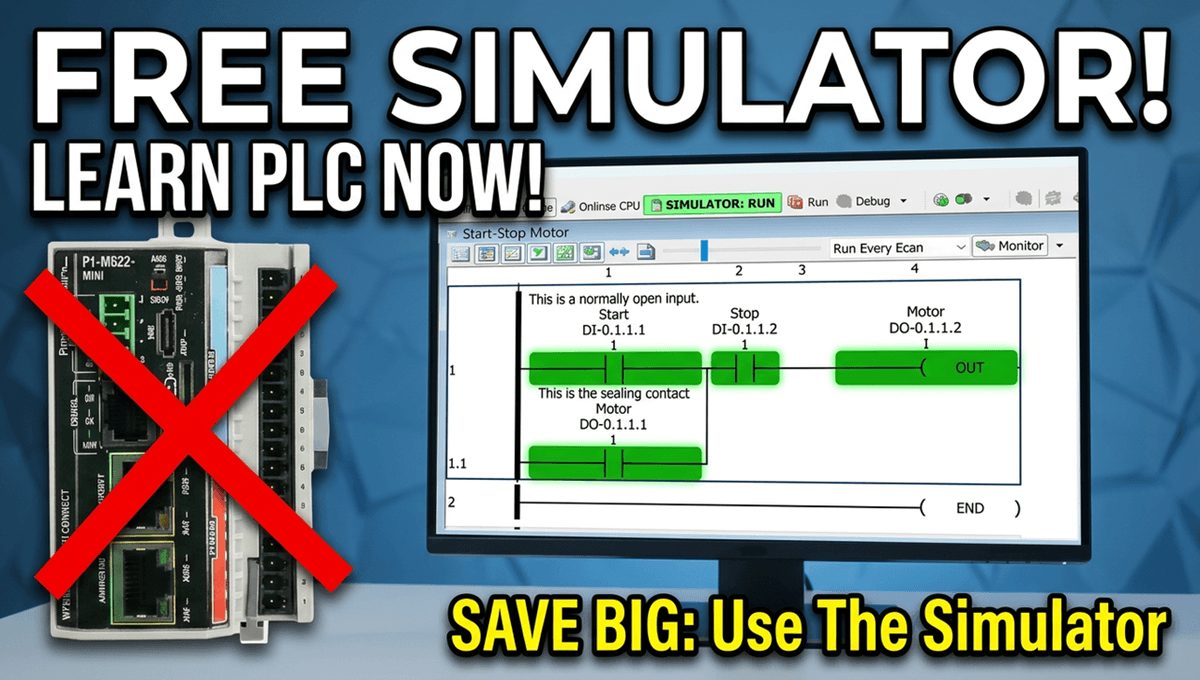
One of the most powerful features of the Productivity Suite software is the built-in PLC simulator. If you don’t have the physical P1-M622-16DR hardware yet—or you’re developing logic at your desk before heading to the plant floor—the simulator lets you program, modify, and test your ladder logic without a single piece of hardware connected. This … Read more
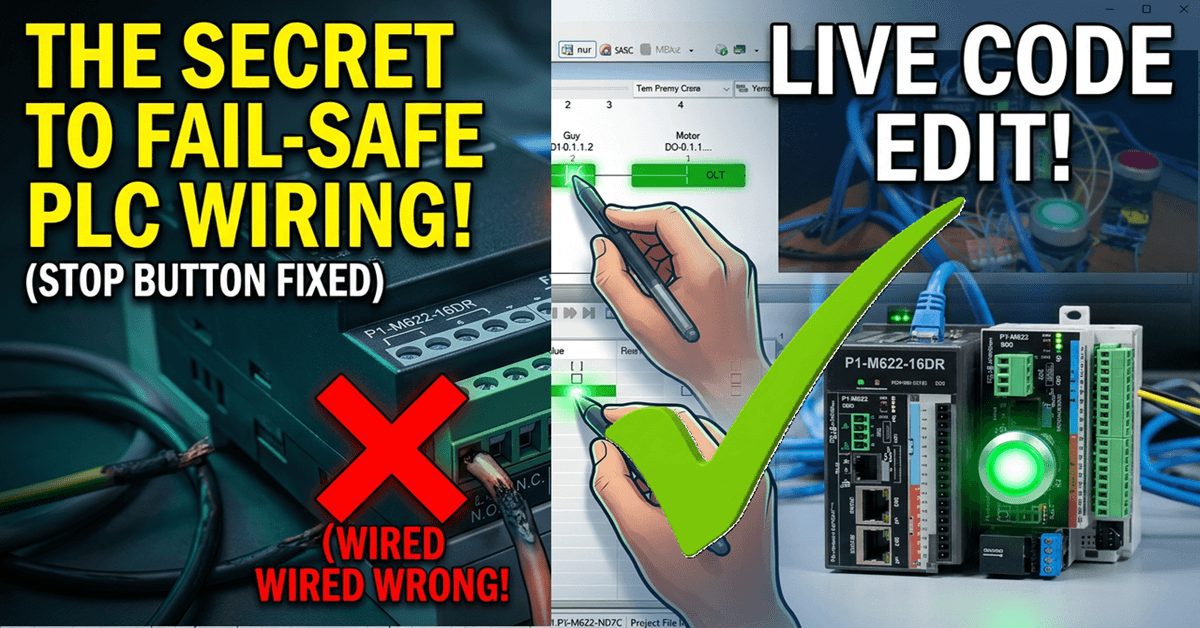
P1-M622-16DR PLC – Learn Now Online Editing and Fail-Safe Wiring!

P1-M622-16DR Mini PLC Online Editing and Fail-Safe Wiring!

The Productivity Suite Software allows us to modify our existing program and execute the new code without stopping the PLC scan. This is referred to as online editing. We change the ladder logic code, and when we save it to the P1-M622-16DR PLC, the current PLC scan is held until the new code is written … Read more

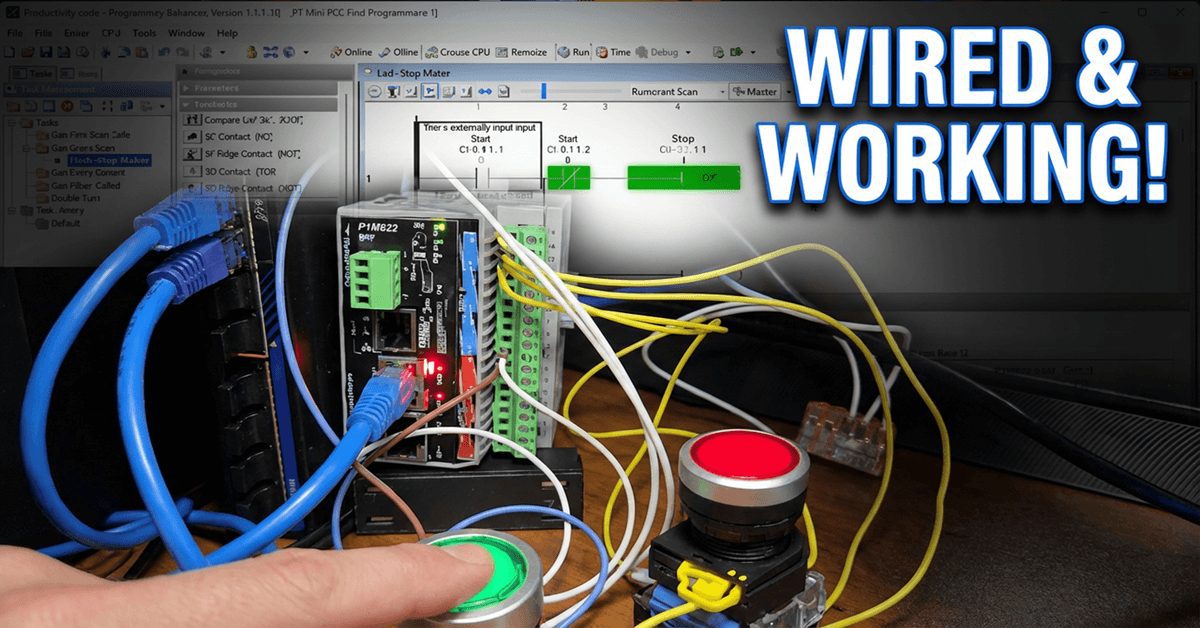
Wiring and Testing Our: P1-M622-16DR Practical Tutorial!

Wiring and Testing Our: P1-M622-16DR Practical Tutorial!

We will now look at wiring and testing our first ladder logic program with the P1-M622-16DR Mini PLC. Having created our start-stop motor circuit and learned about the monitoring tools in the Productivity Suite Software, it’s time to connect real-world devices and see our program in action. We will wire a start pushbutton, a stop … Read more

Learn to Monitor and Test Now on P1-M622-16DR Mini PLC!

P1-M622-16DR Mini PLC Monitoring and Testing the Program

We will now look at monitoring and testing our Productivity Mini PLC program. The Productivity Suite Software provides powerful tools for us to monitor and test our programs. Last time, we created our first program—a simple start-stop motor circuit—and transferred it to our connected P1-M622-16DR Mini PLC. We will monitor our ladder using the ladder … Read more