PLC Counter Programming – 3 Things to Know

PLC Counter Programming - 3 Things to Know

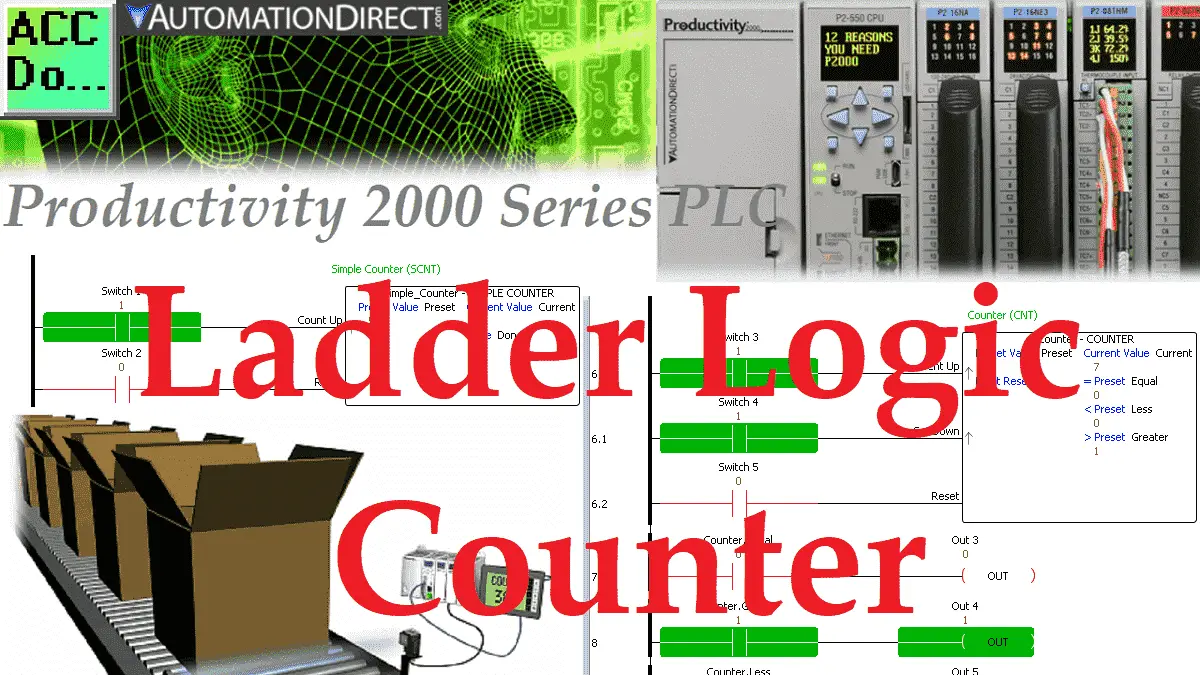
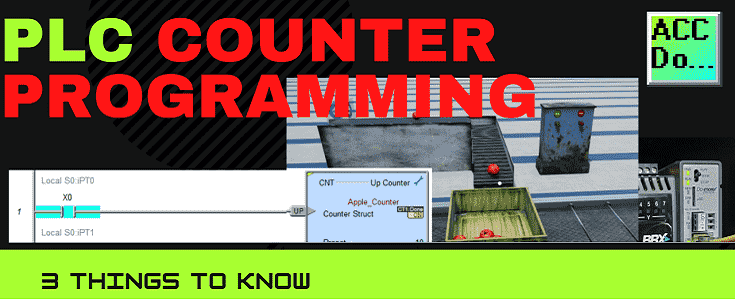
PLC ladder logic counters are used in just about every PLC program. They will indicate how many times something has happened within the controller logic. Counters then can be used to trigger other outputs or items in the PLC. You can find counter applications in a variety of things every day. We will discuss three … Read more

Ladder Logic (NO) Contact – 3 Things to Know

Ladder Logic Normally Open (NO) Contact - 3 Things to Know

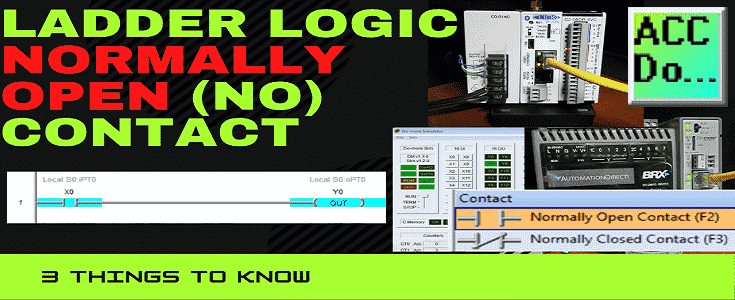
Normally open (NO) contacts or inputs in the PLC ladder logic program do not mean the same as a wired normally open switch. NO contacts on the ladder logic provide the logic condition for the rung to turn on the output. We will be looking at three things about the normally open (NO) contact on … Read more

EasyPLC Simulator Robotic Cell Click PLC

EasyPLC Simulator Robotic Cell Click PLC

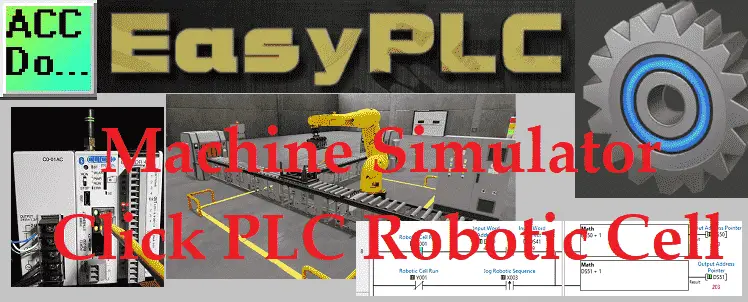
The Machine Simulator (MS) is part of the EasyPLC software suite. It has many built-in machines that are used to show different programming techniques. The robotic cell example is one of these machines. This will demonstrate a sequencer example. In this case, an engine is lifted and placed onto a rack. The logic will step … Read more

EasyPLC Simulator Productivity PLC Robotic Cell

EasyPLC Machine Simulator Productivity PLC Robotic Cell

The Machine Simulator (MS) is part of the EasyPLC software suite. It has many built-in machines that are used to show different programming techniques. The robotic cell example is one of these machines. This will demonstrate a sequencer example. The logic will step through different steps in order to perform the task. In this case, … Read more

Transform Your Click PLC Skills: Epic Warehouse Stacker Build

Click PLC EasyPLC Warehouse Stacker Operation

Transform Your Click PLC Skills: Epic Warehouse Stacker Build. The Machine Simulator (MS) is part of the EasyPLC software suite. It has many built-in machines that are used to show different programming techniques. The warehouse stacker example is one of these machines. Pallets are loaded and unloaded into the stacker machine. A maximum of 30 … Read more

EasyPLC Paint Line Bit Shift – BRX Do-More PLC

EasyPLC Paint Line Bit Shift - BRX Do-More PLC

The Machine Simulator (MS) is part of the EasyPLC software suite. It has many built-in machines that are used to show different programming techniques. The paint line is one of these machines. It will use a bit shift (shift register) to track bottles along a conveyor belt. All the bottles will be detected using photocells … Read more

EasyPLC Machine Simulator – Program a Conveyor in Minutes Now!

EasyPLC Quick Start Software Suite

The EasyPLC Software Suite is a complete PLC, HMI, and Machine Simulator. This quick start aims to help you quickly learn this software suite. The manual that comes with EasyPLC Software Suite can always be referenced when required. We will be using the simple conveyor in the machine simulator. The EasyPLC PLC will be used … Read more

Click PLC EasyPLC Gantry Simulator [Program Tutorial] Now!

Click PLC EasyPLC Gantry Simulator

The Machine Simulator (MS) is part of the EasyPLC software suite. It has many built-in machines that can be programmed. The gantry loader is one of these machines. It will pick up metal boxes from a conveyor and place two on a wooden pallet. The Click PLC will be used to program this virtual machine. … Read more

PLC Learning Series – Programming Steps

PLC Learning Series – Programming Steps

Developing a programmable logic controller (PLC) program can be broken down into five steps. These programming steps are as follows: Five Steps to PLC Program Development Step 1 – Define the task Step 2 – Define the Inputs and Outputs Step 3 – Develop a logical sequence of operation Step 4 – Develop the PLC … Read more

PLC Learning Series – Program Cyclic Scan

PLC Learning Series - Program Cyclic Scan

Programmable logic controllers (PLC) use a cyclic scan. The time that it takes to complete one scan is called Scan Time. Typical scan times range from 10 milliseconds to 10 microseconds. This translates from 0.01 to 0.0001 seconds per PLC scan. Understanding how the program scan will help us in programming and troubleshooting the PLC. … Read more