ACC PLC Simulator – How to Use the Free Browser-Based PLC Trainer

ACC PLC Simulator – How to Use the Free Browser-Based PLC Trainer

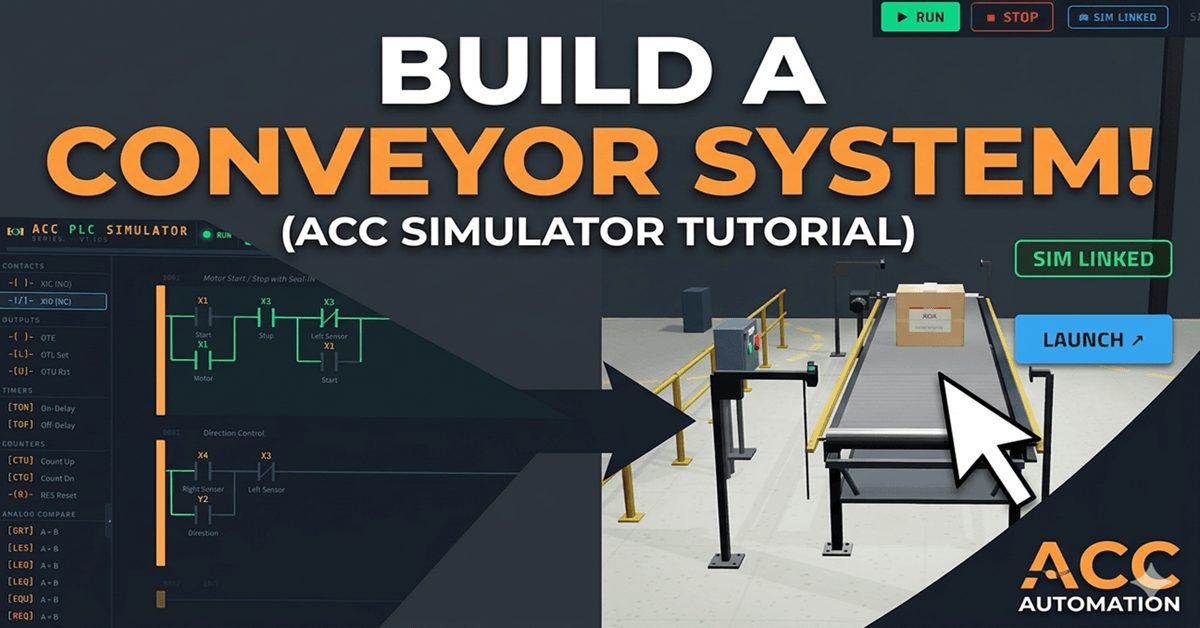
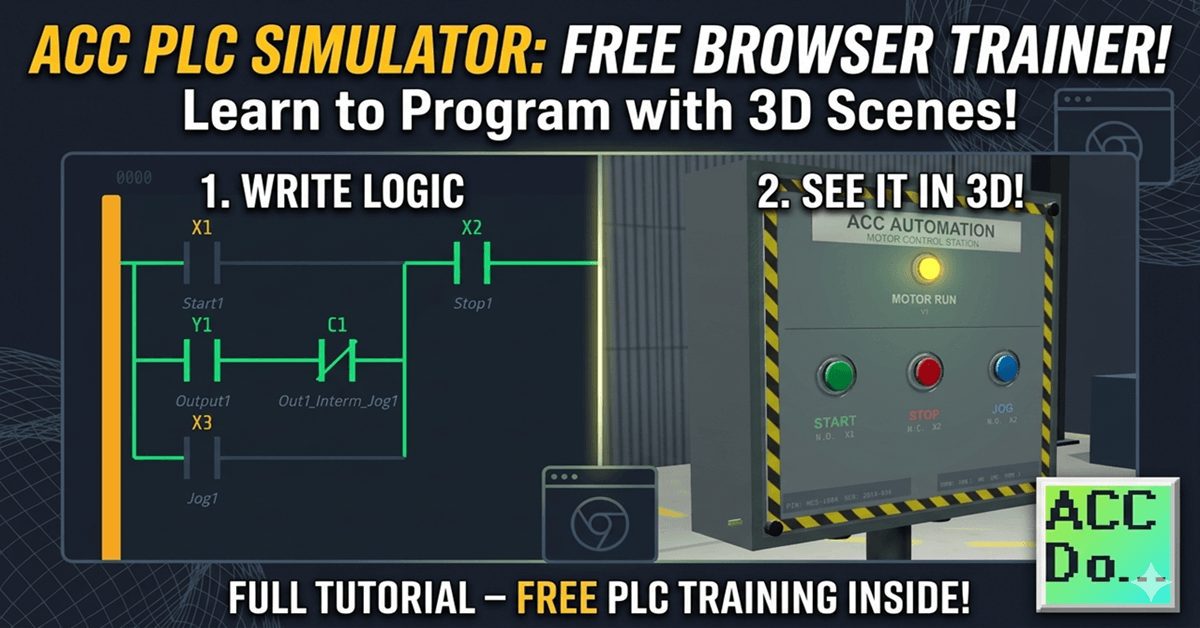
The ACC PLC Simulator is a free, browser-based ladder-logic editor and PLC scan engine. There is nothing to download or install. You open it in Chrome, Edge, or Firefox and start programming immediately. I built this simulator so that anyone learning PLC programming can get hands-on practice without needing hardware. It uses standard PLC register … Read more

Is It Really Worth Building a PLC Trainer?

This article was written by Chris Urban, an automation educator and PLC trainer with over 30 years of hands-on teaching experience. Find Chris on YouTube and LinkedIn. — CU It’s a fair question — and there’s no simple answer. Let me give you an honest one. How the PLC Was Born The person who invented the PLC had a … Read more

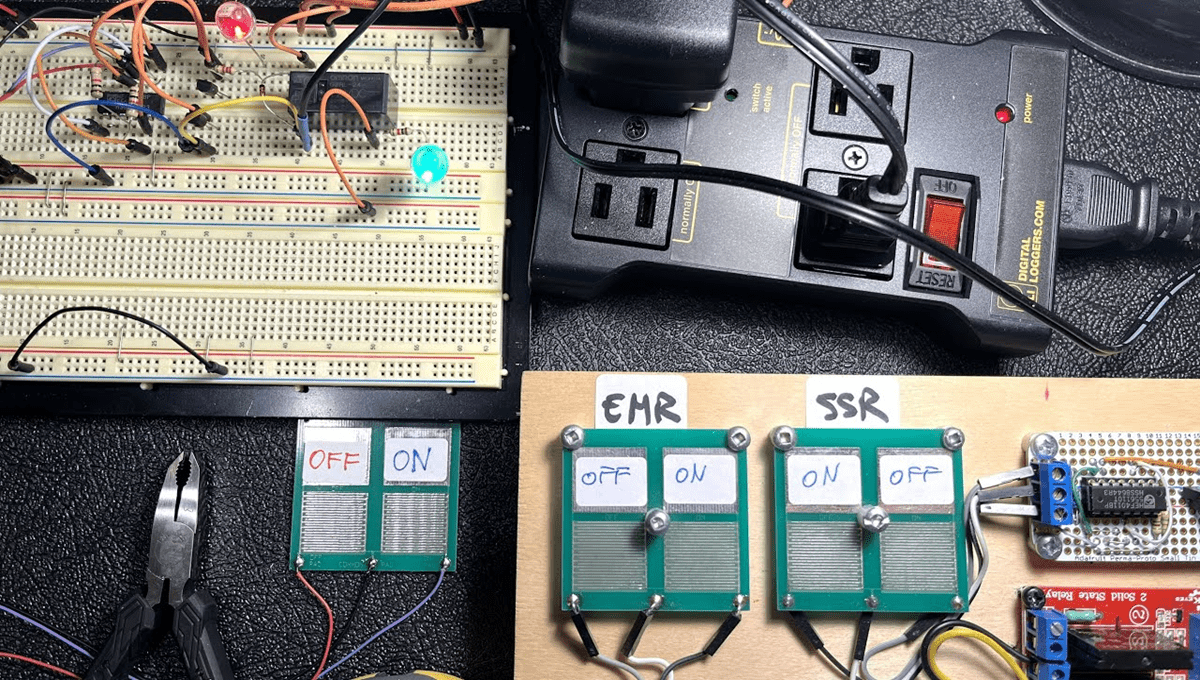
How to Control AC Loads from a PLC

How to Control AC Loads from a PLC

This article was written by Chris Urban, an automation educator and PLC trainer with over 30 years of hands-on teaching experience. Find Chris on YouTube and LinkedIn. — CU A question that comes up constantly from beginners: if PLC control logic runs on safe low-voltage DC, how do you actually switch a 120V, 220V, or 460V AC load like a … Read more

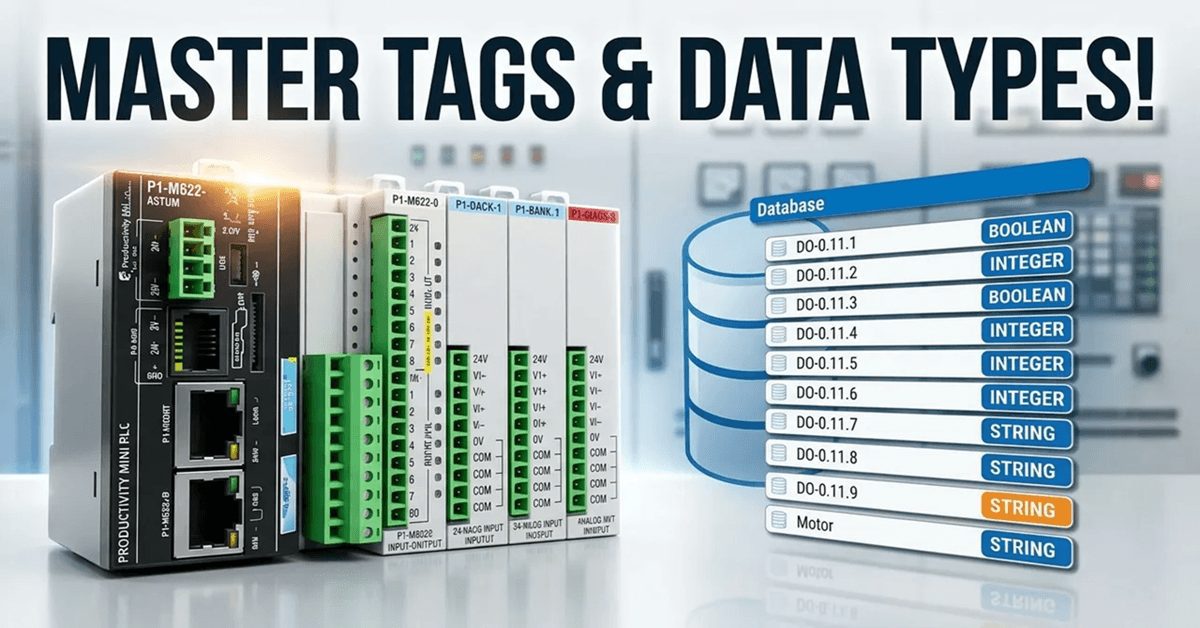
Tag Database Tutorial for Automation Direct Mini PLCs!

Tag Database Tutorial for Automation Direct Mini PLCs!

We will now look at the tag numbering systems used with the Productivity Mini PLC P1-M622-16DR. The Productivity Suite Software allows us to use tags in the PLC. Tags are a method for assigning and referencing memory locations (numbering systems) within the programmable logic controller. They allow a more structured programming approach and are stored … Read more

P1-M622-16DR Mini PLC: Your Simulator Adventure Starts Now!

P1-M622-16DR Mini PLC: Your Simulator Adventure Starts Now!

One of the most powerful features of the Productivity Suite software is the built-in PLC simulator. If you don’t have the physical P1-M622-16DR hardware yet—or you’re developing logic at your desk before heading to the plant floor—the simulator lets you program, modify, and test your ladder logic without a single piece of hardware connected. This … Read more

P1-M622-16DR PLC – Learn Now Online Editing and Fail-Safe Wiring!

P1-M622-16DR Mini PLC Online Editing and Fail-Safe Wiring!

The Productivity Suite Software allows us to modify our existing program and execute the new code without stopping the PLC scan. This is referred to as online editing. We change the ladder logic code, and when we save it to the P1-M622-16DR PLC, the current PLC scan is held until the new code is written … Read more

Wiring and Testing Our: P1-M622-16DR Practical Tutorial!

Wiring and Testing Our: P1-M622-16DR Practical Tutorial!

We will now look at wiring and testing our first ladder logic program with the P1-M622-16DR Mini PLC. Having created our start-stop motor circuit and learned about the monitoring tools in the Productivity Suite Software, it’s time to connect real-world devices and see our program in action. We will wire a start pushbutton, a stop … Read more

Learn to Monitor and Test Now on P1-M622-16DR Mini PLC!

P1-M622-16DR Mini PLC Monitoring and Testing the Program

We will now look at monitoring and testing our Productivity Mini PLC program. The Productivity Suite Software provides powerful tools for us to monitor and test our programs. Last time, we created our first program—a simple start-stop motor circuit—and transferred it to our connected P1-M622-16DR Mini PLC. We will monitor our ladder using the ladder … Read more

P1-M622-16DR Mini PLC First Program: Start-Stop Motor Circuit

P1-M622-16DR Mini PLC First Program: Start-Stop Motor Circuit

We will now create our first program on the Productivity Mini PLC P1-M622-16DR. Last time we connected the Mini PLC with our computer running the Productivity Suite Software. An Ethernet (RJ45) connection was established to our programmable logic controller. We will now create our first program for our Productivity Mini PLC. Our program will be … Read more

P1-M622-16DR Mini PLC Establishing Communication!

P1-M622-16DR Mini PLC Establishing Communication

We will connect the Productivity Mini PLC P1-M622-16DR to our computer running the Productivity Suite Software. An Ethernet (RJ45) communication link will be made to our programmable logic controller. The P1-M622 series packs six communication ports into a standalone package smaller than your hand. That’s USB-C programming, dual Ethernet ports, RS-232, RS-485, and a microSD … Read more