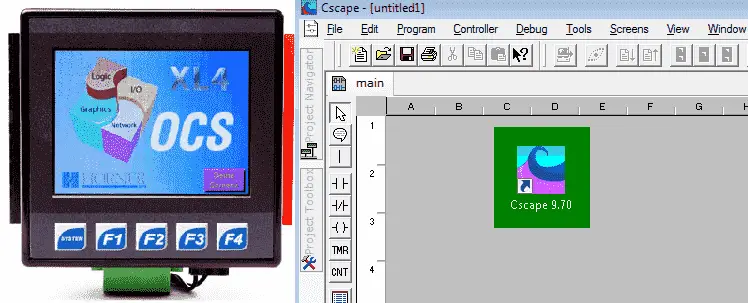
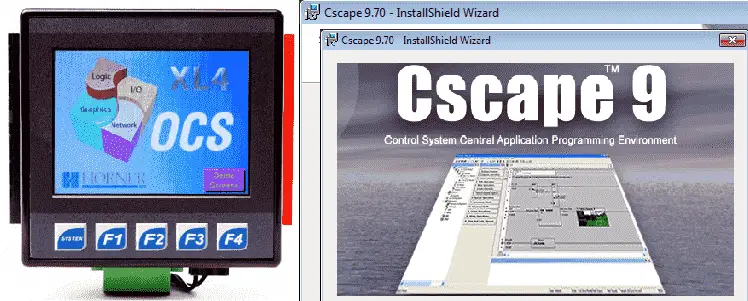
Horner XL4 System Hardware – All In One

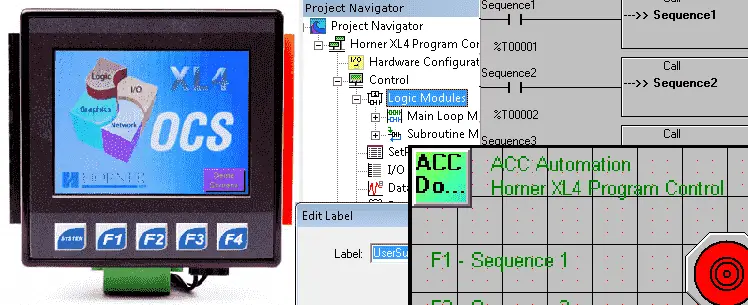
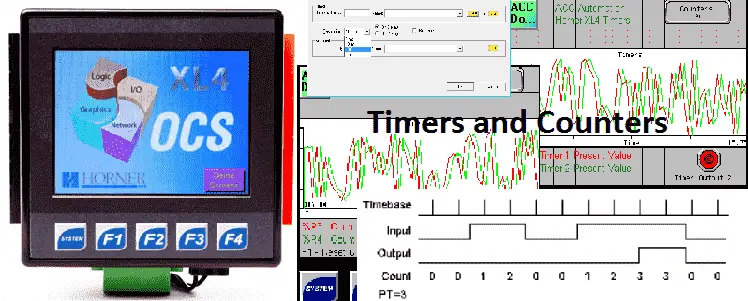
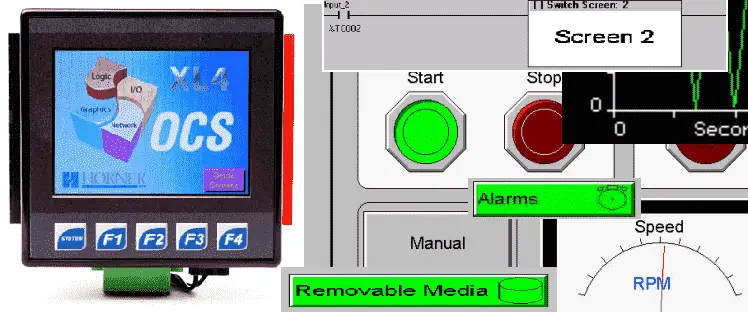
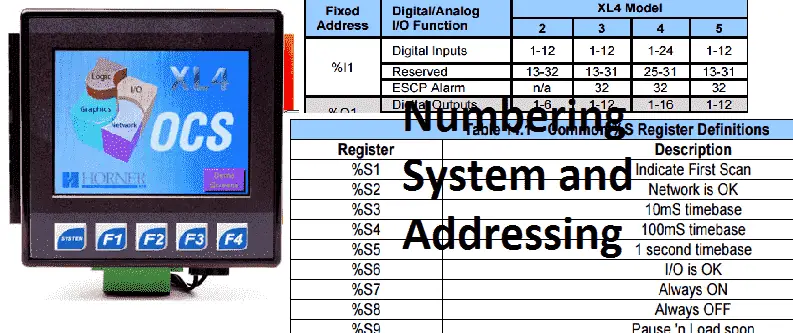
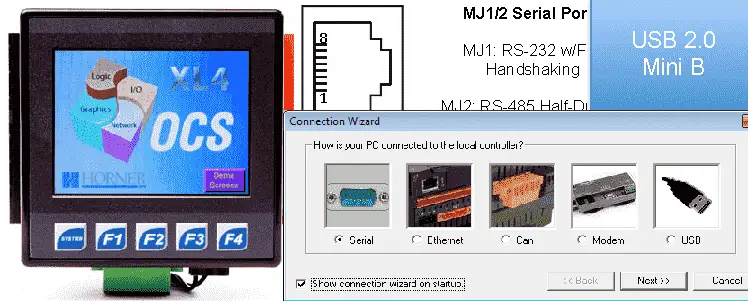
The Horner XL4 OCS is an All-in-one controller. This means that this modern unit combines a logic controller, operator interface, I/O and networking all into one package. This OCS (Operator Control Station) family was first released in 1998. New features to the line-up have been added over the years. Today the OCS family has a … Read more

Control Temperature Like a Pro: FREE HMI Connects Click PLC!

We will now look at the click plc advancedhmi Modbus serial communication. Advanced HMI is a powerful, adaptable HMI/SCADA (Supervisory Control and Data Acquisition) development package that takes advantage of Visual Studio. There is no coding required and you can simply drag and drop items onto the page. The best thing is that the software … Read more

Unlock Click PLC Secrets: Temperature Control Via Modbus!

Receive and Send instructions will allow you to send and receive serial data to an external device. The communication method that you setup can be ASCII or Modbus. ASCII (American Standard Communication for Information Interchange) can be used to send to devices such as a printer. Receiving ASCII can be used for connecting barcode scanners … Read more

Click PLC Drum Control: Traffic Light Sequencing Made Simple

Drum instructions are great tools when you have a simple sequence of events that need to occur at a set time interval or as a result of an event. They mimic an electromechanical drum sequencer. The Click PLC has a drum in the instruction set. We will discuss the drum instruction and look at an … Read more

How PLCs Remember: Shift Registers Unlock Your Past Data!

A lot of times when programming a PLC you need to track what has previously happened. Shift registers allow you to do just that. The Click PLC has a shift register in the instruction set. We will discuss the shift register and look at an example.

Why Your PLC Code Fails: Master the Hidden Scan Secrets

Understanding how the PLC will scan and update your program is critical in programming and troubleshooting your system. Typically a PLC will solve your logic from left to right, top to bottom. The status of the memory from the previous rung, are available for the next rung to use. We will look at a few … Read more

Control When Your PLC Thinks: Program Flow Secrets Revealed

The program control instructions will allow us to specify what parts of the logic get solved and when this happens. This will control how the PLC will scan and solve your logic in your program. 

Click PLC Math Secrets: Master Comparisons Like a Pro!

Compare and math instructions in the Click PLC will allow you to do a number of things. We will use the compare instructions to turn on bits which will indicate production shifts. Using the math instruction we will convert the number of units made to a weight. 

Master PLC Motor Delays: 7-Motor Sequential Start Guide

PLC Programming Example – Delay Starting of 7 Motors

We will look at a PLC programming example of delaying the start of 7 motors. Each motor will be on a switch that the operator can select at any time. The motor outputs should have a 5-second delay between the outputs coming on. This question originally came from PLCTalk.net. An original solution to the problem … Read more

Master Click PLC Timers & Counters: Essential Programming

Continuing our series, we will now look at timers and counters and how they are used in the Click PLC. Previously we have discussed: System Hardware – Video Installing the Software – Video Establish Communication – Video Numbering System and Addressing – Video The programming software and manuals can be downloaded from the Automation Direct website … Read more