Unlock Your Click PLC: Master PC Communication in Minutes!
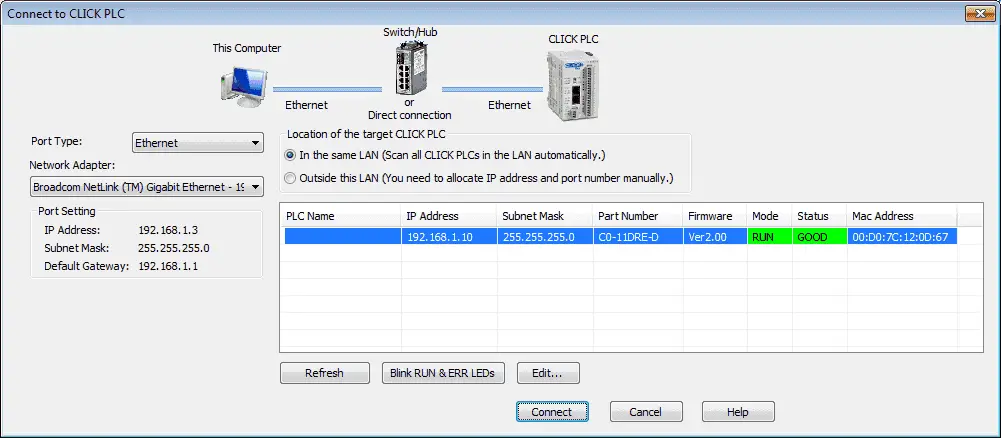
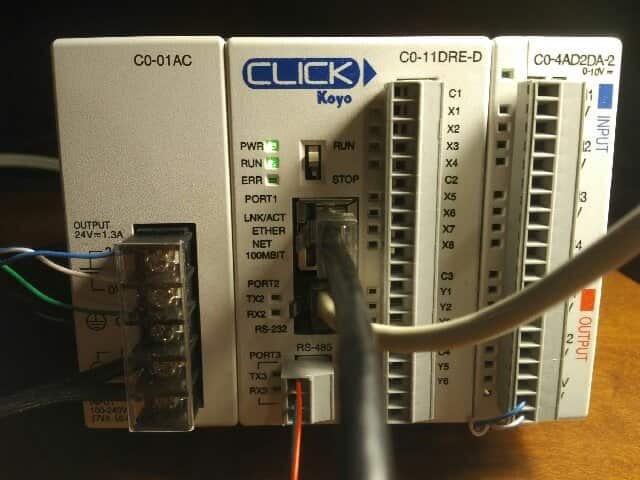
So far in this series, we have discussed the Click PLC System Hardware (Video) and Installed the Software (Video). Today we will be establishing PC to PLC communications. This will allow us to program, edit or alter the way in which our Click PLC will function. 
Click PLC Software Setup: Zero to Programming Fast Now!

Previously we discussed the Click PLC System Hardware – Video. Today we will be installing the free software required to program the PLC. This includes the actual program and communication drivers. The current version of the Click Software programming package can be downloaded here. Installation of this package is similar to the instructions below.

My Simple Method for Mastering Any New PLC System Fast

Many people ask me what I do when looking at a new PLC model or system. My approach is very straight forward and we will view this in action with this Click PLC series. This series will go from examining the hardware to programming and communicating to the PLC in several ways. If you have … Read more

Building a PLC Program – Part 5 – Simon Game

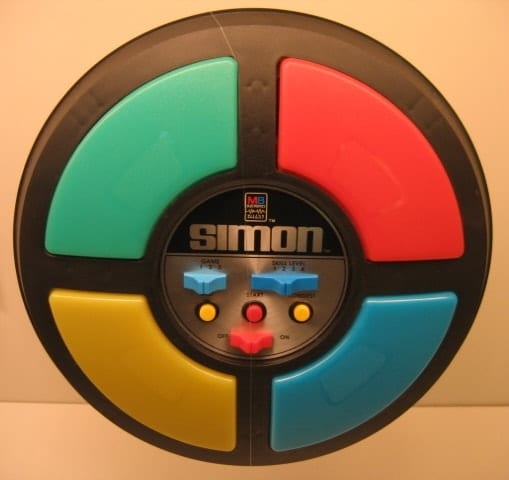
We will now look at the Game of Simon for our part 5 in this series of building a PLC program. Learning all about bit manipulation and sequencers Simon is a memory game introduced in 1978. It has four colored buttons, each producing a particular tone when it is pressed or activated by the device. … Read more

Build Your Own FREE PLC Training Lab with Real HMI Control

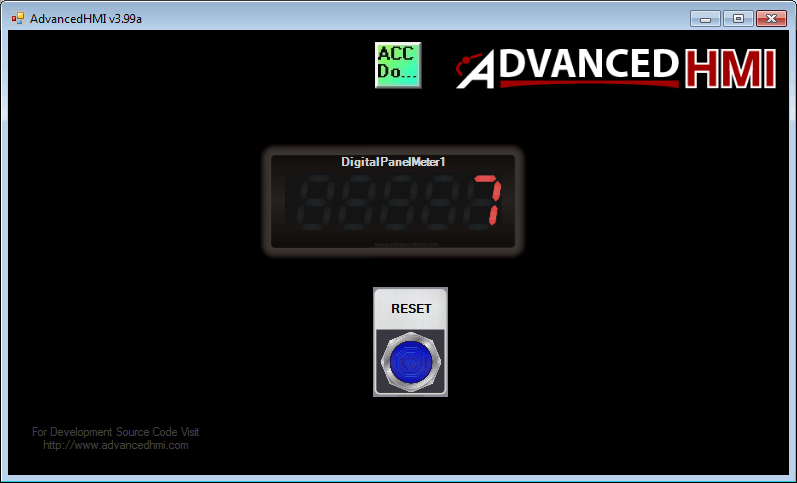
We will now create a PLC with HMI Training and learning environment. We will use the Automation Direct Do-More programming software tied into the Advanced HMI learning package via Modbus TCP. All of the software is free and fully functional. Learn PLC programming and use a powerful HMI (Human Machine Interface) easily and freely. Setting … Read more

What are the Different PLC Programming Languages

PLC programs are typically written in a particular application on a personal computer, then downloaded to the PLC. This downloaded program is similar to compiled code to keep the program efficient. The program is stored in the PLC in battery-backed-up RAM or non-volatile flash memory. Five Different PLC Programming Languages Albert Einstein said, “The world … Read more

Master PLC One-Shot Programming: Stop Runaway Code Forever!

A one-shot in the PLC will turn an output on for one scan. This is used to trigger events that should only happen once. An example of this would be to increment a value in memory. If a one-shot is not used, then every scan of the PLC will increment the value. What is a … Read more

PLC Ladder Logic Programming – On/Off and Variable Range Types

This post is a further follow-up from my original ‘Here’s a Quick Way to Understand PLC Inputs and Outputs.’ There are two different kinds of PLC outputs, Discrete and analog. Discrete outputs are either ‘ON’ or ‘OFF’; 1 or 0. You can think of them as a single light bulb. Analog outputs have a range … Read more

How to Troubleshoot a PLC – Ladder Logic

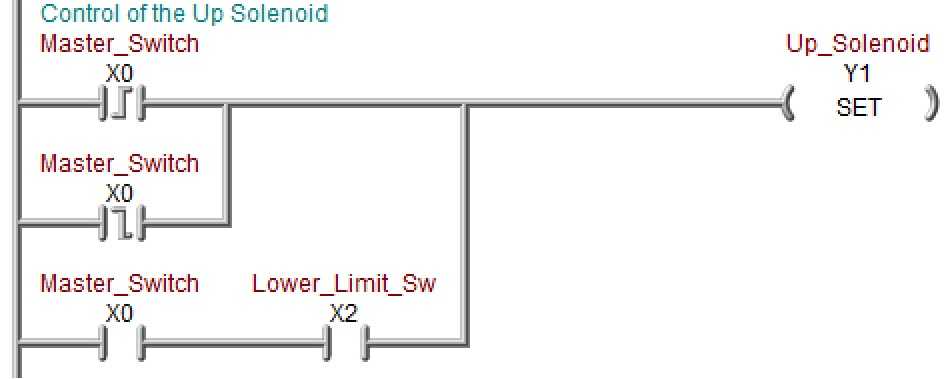
We will look at how to troubleshoot a plc racing condition. Two examples are explained in racing conditions in the PLC. The PLC will update only at the end of the program logic. Items set will not happen until the I/O is refreshed. How to trigger events when you want them is discussed. Your control … Read more