Click PLC Update Firmware – Software

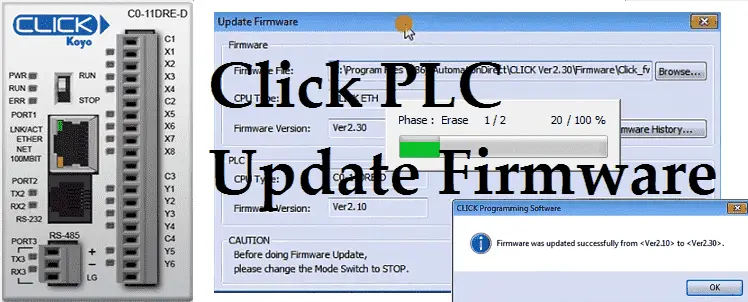
Firmware is usually PLC operating system code that is written into a read only memory. The BIOS (Basic Input Output System) of a PC (personal computer) is a good example of firmware. It provides the low level interface between the hardware and software. The Click PLC firmware comes with the programming software. https://support.automationdirect.com/products/clickplcs.html We will … Read more
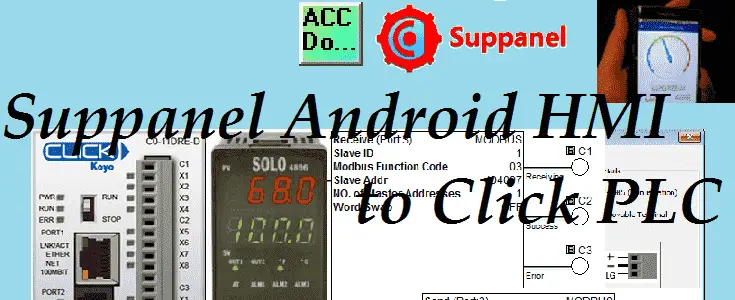
Turn Your Phone Into a Powerful PLC Control Panel!

Suppanel is an Android app that is used to create a human machine interface (HMI). This HMI panel can be created on your computer, tablet or phone using the appropriate operating system or software. You can use this software to create panels that you can control or modify values in your automated system. These panels … Read more

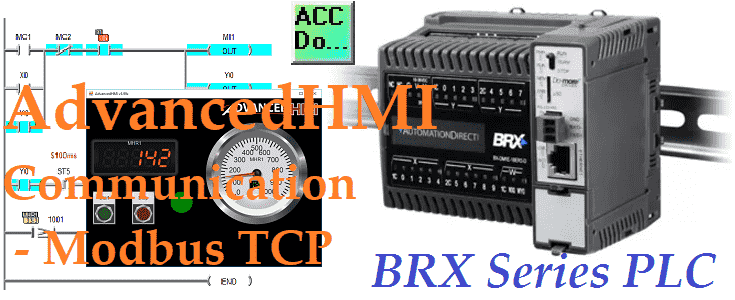
Build a FREE HMI for BRX PLC Using Modbus TCP in Minutes

Modbus TCP will be used to connect AdvancedHMI to our BRX Do-More controller using Ethernet. Advanced HMI is a powerful, adaptable HMI/SCADA (Supervisory Control and Data Acquisition) development package that takes advantage of Visual Studio. There is no coding required and you can simply drag and drop items onto the page. The best thing is … Read more

Click PLC Controls BRX Slave: Modbus RTU Secrets Revealed!

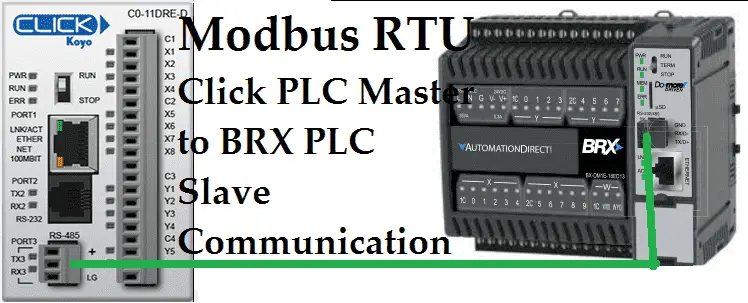
We will now use Modbus RTU to connect a Click Master to a BRX Do-More Slave controller.  Recently I was asked to demonstrate communication between a Click PLC and BRX Do-More PLC using Modbus RTU. Both PLCs are available from automation direct com. Modbus serial communication (Modbus RTU) is a standard protocol used in many … Read more

Implementing Solo Process Temperature Controller

Implementing the Solo Process Temperature Controller

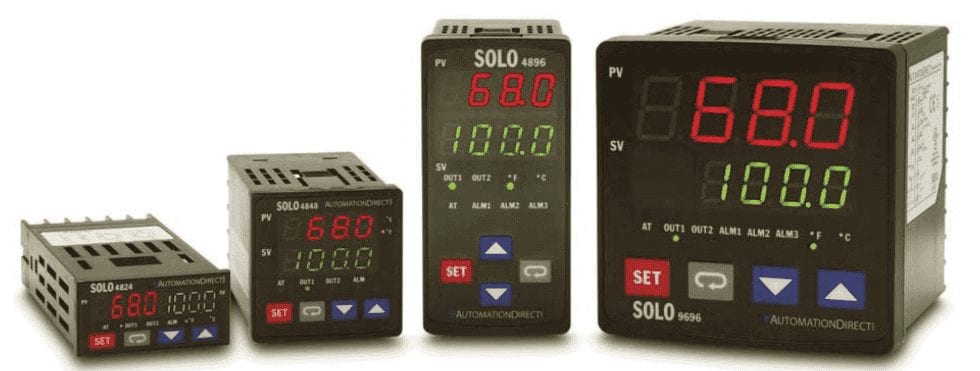
The SOLO Temperature Controller is a single loop dual output process temperature controller that can control both heating and cooling simultaneously. It is available in 1/32, 1/16, 1/8, and 1/4 DIN panel sizes and is UL, CUL and CE approved. The name of the temperature controller is deceiving. This unit will also accept voltage and … Read more

Unlock Click PLC Secrets: Temperature Control Via Modbus!

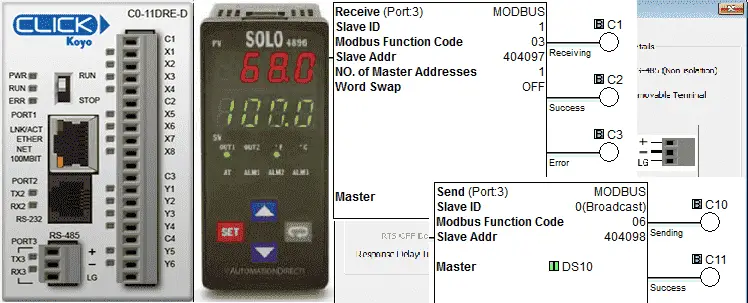
Receive and Send instructions will allow you to send and receive serial data to an external device. The communication method that you setup can be ASCII or Modbus. ASCII (American Standard Communication for Information Interchange) can be used to send to devices such as a printer. Receiving ASCII can be used for connecting barcode scanners … Read more

Click PLC Flow Techniques: Timed Interrupts & Subroutines Setup

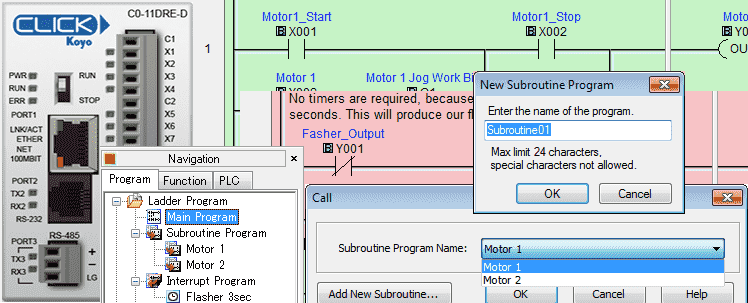
The program control instructions will allow us to specify what parts of the logic get solved and when this happens. This will control how the PLC will scan and solve your logic in your program. 

Click PLC Installing the Software

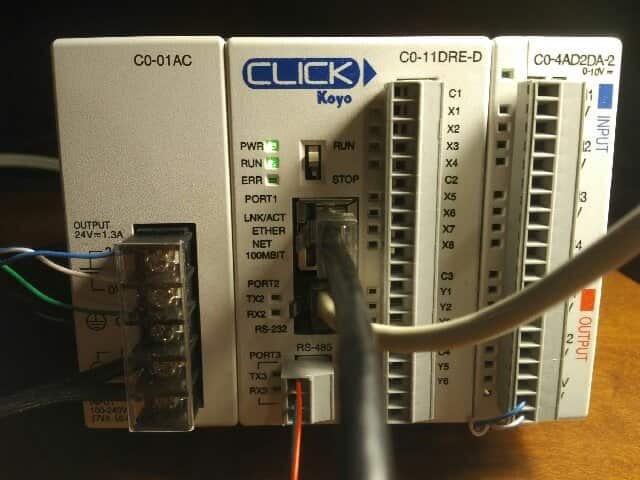
Previously we discussed the Click PLC System Hardware – Video. Today we will be installing the free software required to program the PLC. This includes the actual program and communication drivers. The current version of the Click Software programming package can be downloaded here. Installation of this package is similar to the instructions below.

My Simple Method for Mastering Any New PLC System Fast

Many people ask me what I do when looking at a new PLC model or system. My approach is very straight forward and we will view this in action with this Click PLC series. This series will go from examining the hardware to programming and communicating to the PLC in several ways. If you have … Read more

Turn Your PLC into a Data Goldmine with Modbus TCP Logging

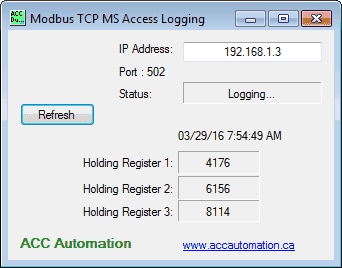
Using Visual Basic 2015, we will log three holding registers from the PLC, along with the time and date, into a Microsoft Access Database. We will log every minute to the database, including the information we collect from the PLC via Modbus TCP (Ethernet). All code will be done and shown so you can implement … Read more