Click PLC Serial Communication Timing

Click PLC Serial Communication Timing
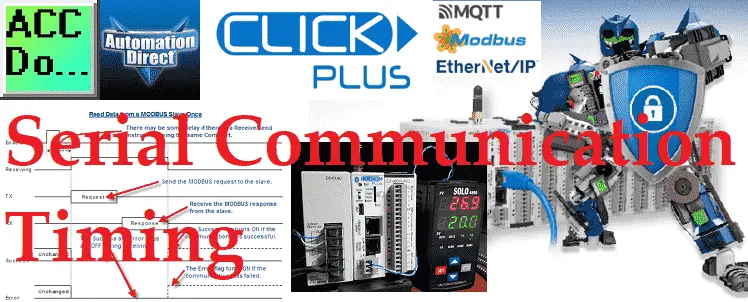
Many questions come from serial communications using the Click PLC. Most of these questions deal with communication timing when using multiple send-and-receive instructions. We will show you how to deal with serial communication timing in the Click PLC. Receive and Send instructions will allow you to send and receive serial data to an external device. … Read more
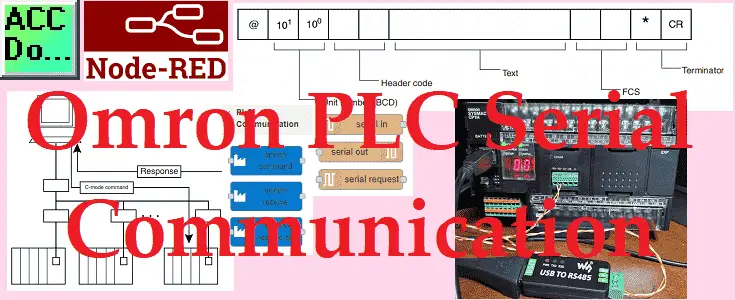
Unlock Omron PLC Secrets: Master Node-RED Serial Control

PLC manufactures have their own proprietary protocols. These methods of communication will allow you to program the controller. Other protocols will allow you to collect and log information from the programmable logic controller. Node-RED has the ability to read and write to the Omron controller using special protocol commands. We will connect Node-RED to the … Read more

C-More Micro Program Quick Start

C-More Micro Program Quick Start

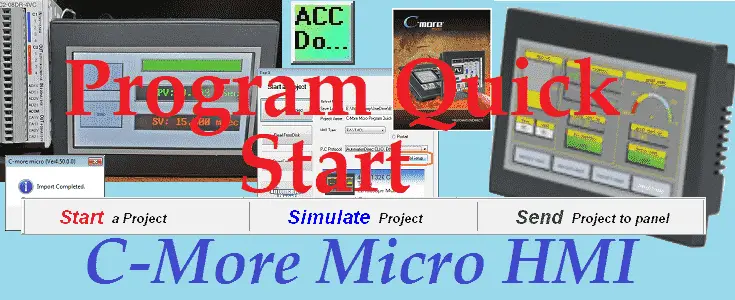
We will now look at the C-More Micro program quick start. This will demonstrate how to quickly get your C-More Micro Program up and communicating to your programmable logic controller. (PLC) The general steps involved with a human-machine interface (HMI) program will include, program development, ladder logic, and HMI program development. We will be breaking … Read more

Unlock Hidden Do-More Designer Browser Secrets That Save Hours

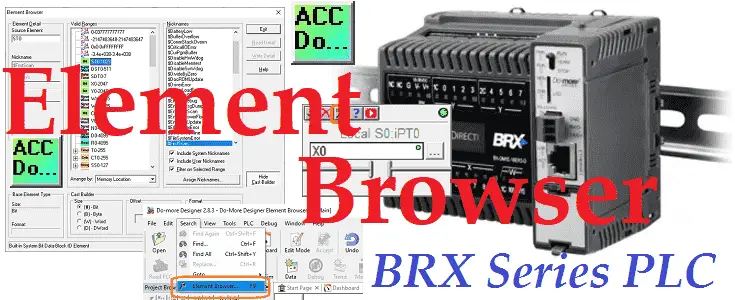
Do-More Designer Element Browser

The element browser in the Do-More Designer software will display valid memory locations, add documentation, and show how to cast from one memory type to another. We will be discussing the element browser and how to take advantage of this in your Do-More program. Let’s get started.

C-More Drop-Down Menu Create – All Models

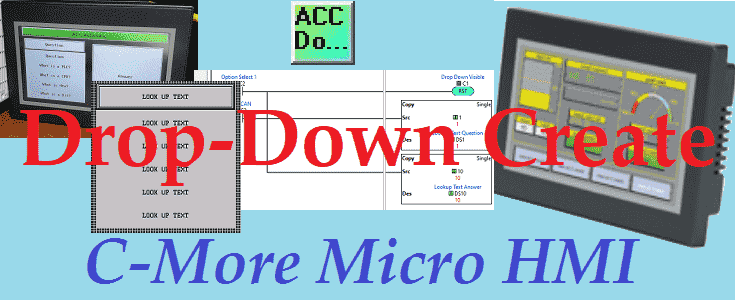
C-More Drop-Down Menu Create

The C-More can create a drop-down menu. This applies to all models of the HMI controller. A drop-down is a menu that offers a list of options. The currently selected item in the list is always displayed. When the visible item is selected (touched), other items from the list “drop-down” into view, and the operator … Read more

Control Industrial Devices with Raspberry Pi RS-485 Magic!

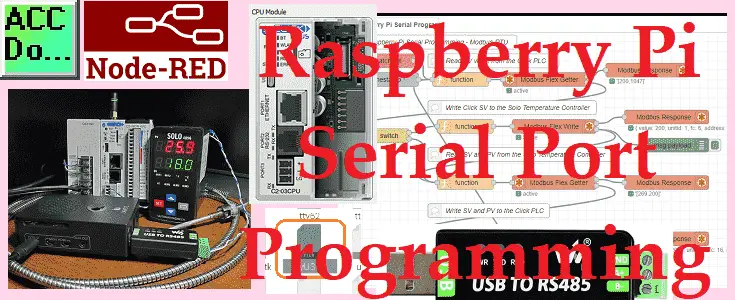
Raspberry Pi Serial Port Programming

Node-RED will be used on the Raspberry Pi 4 to communicate serial Modbus RTU to a Solo process temperature controller and Click PLC using twisted pair RS485. This will be done on the same serial network so the devices will be daisy-chained together on the two wires. We will be reading the PV (present value) … Read more

Arduino Uno Super Starter Kit LCD Display

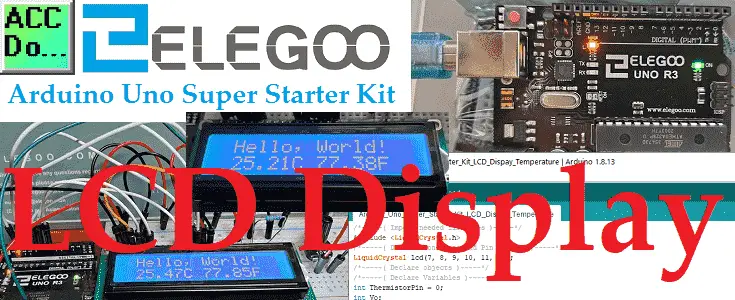
Arduino Uno LCD Display

An LCD (Liquid Crystal Display) is a great way to display information in our Arduino Uno controller. We will be wiring and programming an alphanumeric, two rows with 16 characters on each row. The display has an LED (Light Emitting Diode) backlight with adjustable contrast. This white and blue LCD will display “Hello World!” on … Read more

Node-RED Modbus TCP Handling Errors

Node-RED Modbus TCP Handling Communication Errors

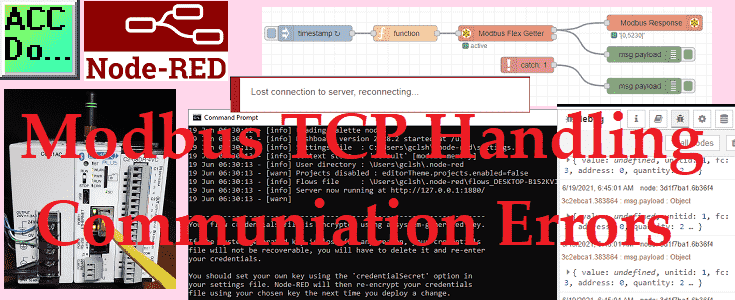
Node-RED Modbus TCP can recover from communication errors automatically. Options are available to you the programmer to continue the Node-RED flow upon detection of these errors. Broken Ethernet cable, Modbus Server power, and Node-RED Client offline are just a few of the errors that can occur on the industrial plant floor. Our Node-RED program must … Read more

Transform Click PLC Data Into Real-Time Plant Intelligence

Simple Click Data Logging

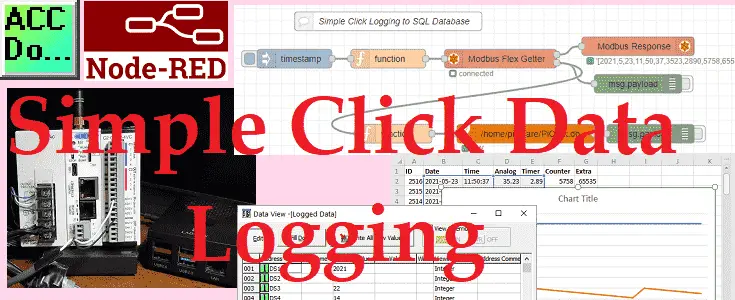
We will now be looking at simple data logging using a Click PLC with an Ethernet port. Node-RED will be used to communicate to the controller via Modbus TCP protocol. Information collected will be then stored in an SQLite SQL database. A Raspberry Pi 4 single-board computer will be used for the Node-RED collecting and … Read more

Unlock Wireless Control: Master Arduino IR Remote in Minutes

Arduino Uno IR Remote Control

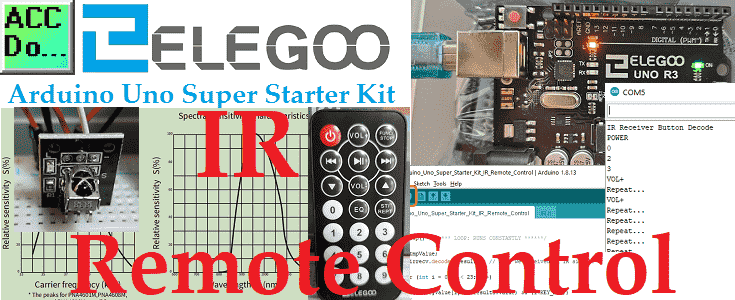
The IR (Infrared) remote control is a great way to incorporate wireless control of your project. Infrared receiver modules are simple and easy to use. In this post, we will be connecting the IR receiver to the UNO, and then use a Library that was designed for this particular sensor. In our sketch we will … Read more