P1-M622-16DR PLC – Learn Now Online Editing and Fail-Safe Wiring!
P1-M622-16DR Mini PLC Online Editing and Fail-Safe Wiring!

The Productivity Suite Software allows us to modify our existing program and execute the new code without stopping the PLC scan. This is referred to as online editing. We change the ladder logic code, and when we save it to the P1-M622-16DR PLC, the current PLC scan is held until the new code is written … Read more
Wiring and Testing Our: P1-M622-16DR Practical Tutorial!

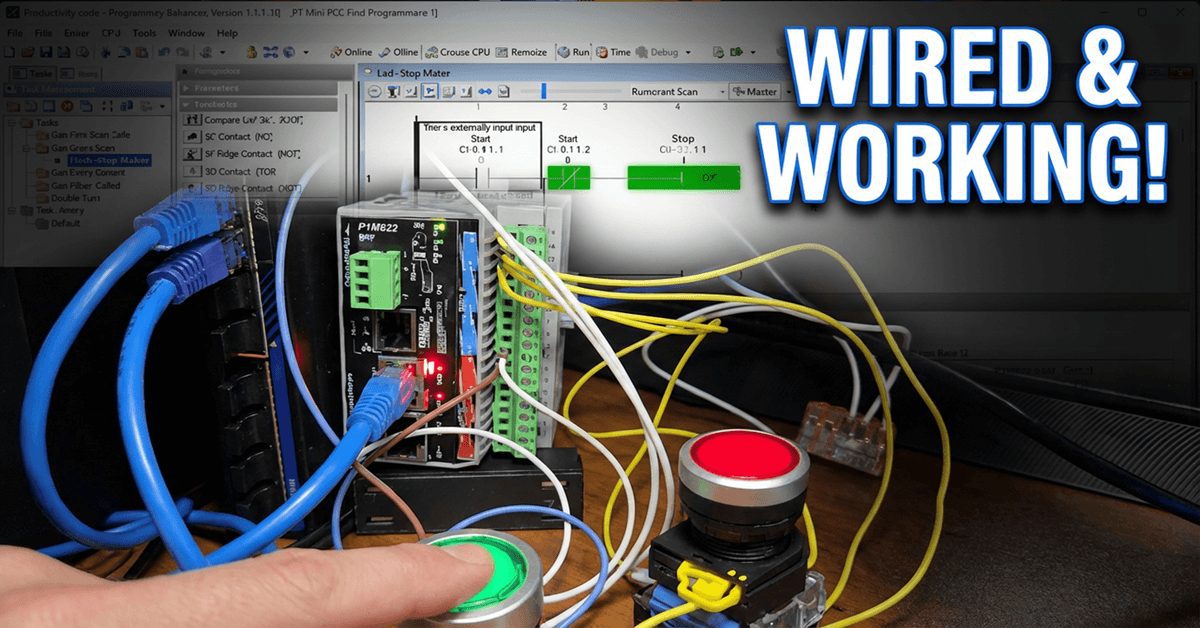
Wiring and Testing Our: P1-M622-16DR Practical Tutorial!

We will now look at wiring and testing our first ladder logic program with the P1-M622-16DR Mini PLC. Having created our start-stop motor circuit and learned about the monitoring tools in the Productivity Suite Software, it’s time to connect real-world devices and see our program in action. We will wire a start pushbutton, a stop … Read more

Robot Packing PLC Program Development

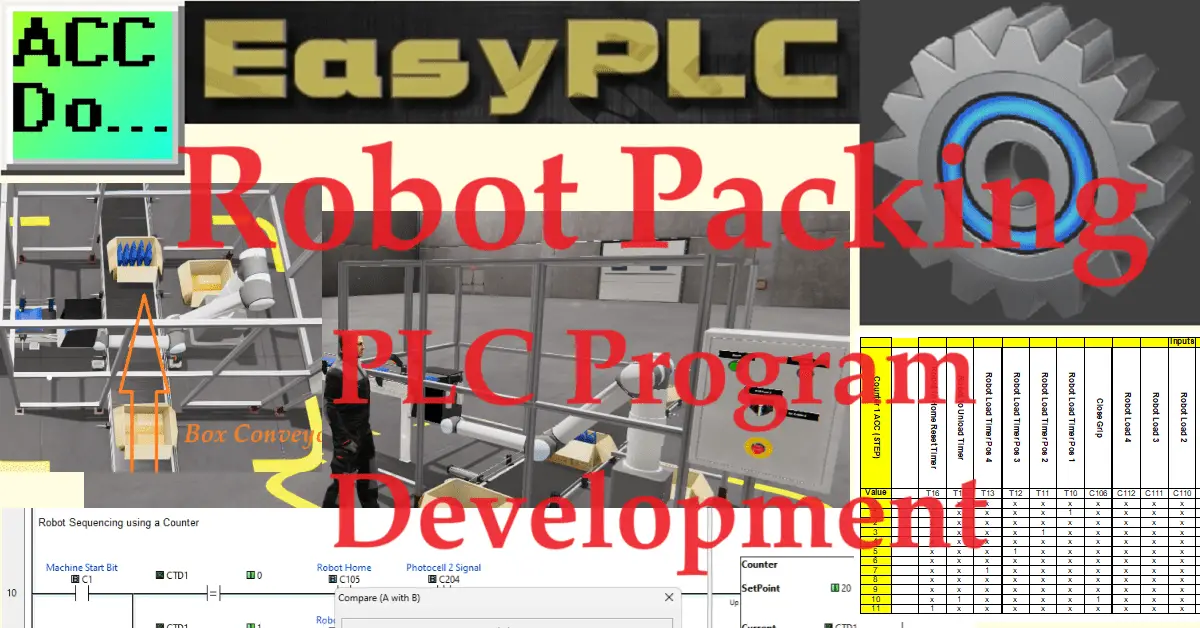
Robot Packing PLC Program Development

The Machine Simulator (MS) is a valuable component of the EasyPLC software suite. It offers a range of built-in machines, including the robot packing machine, which effectively demonstrates various programming techniques. We will use the Click PLC programming software to showcase a sequencer application for this example. In this scenario, the robot is tasked with … Read more

PLC Programming – A Tutorial for Beginners

PLC Programming - A Tutorial for Beginners

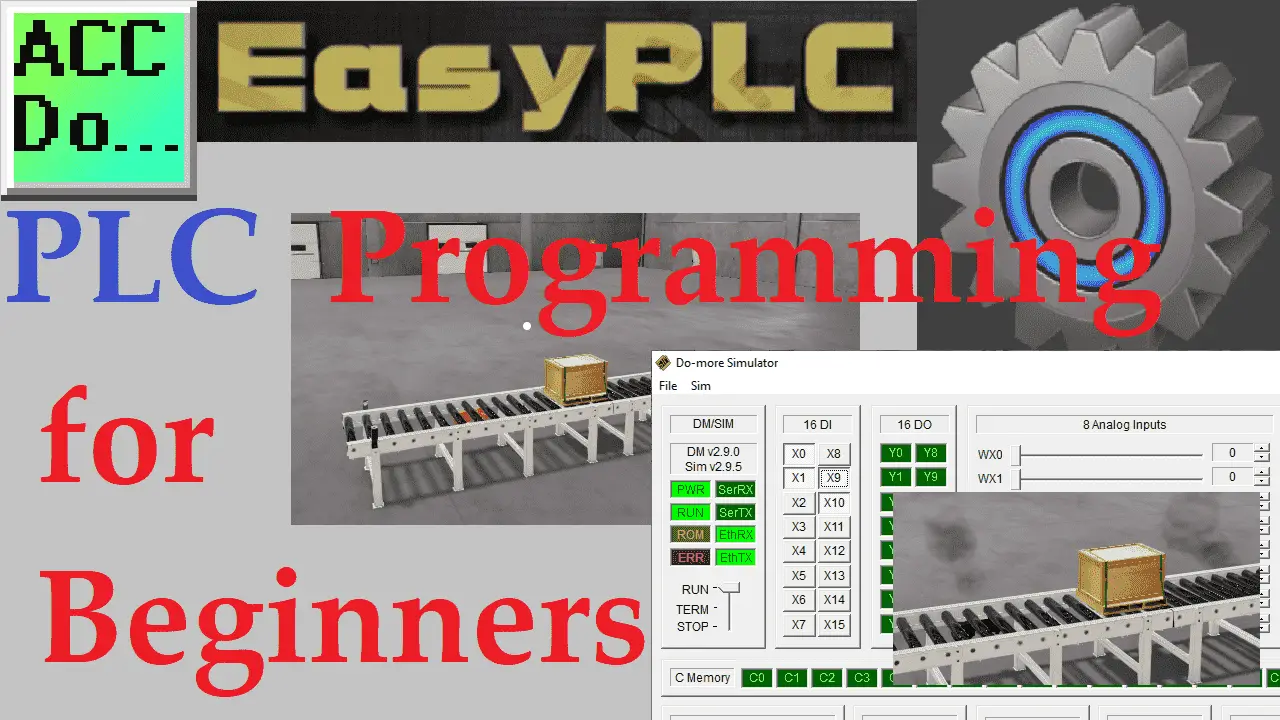
This tutorial is for beginners who are just starting to program PLCs. Using the EasyPLC simple conveyor, we will move a box back and forth on the conveyor. We will learn to write the PLC ladder logic program for this operation. Using the five steps to PLC programming development, we will determine what must be … Read more

PLC Learning Series – Understanding Numbers

PLC Learning Series - Understanding Number Values

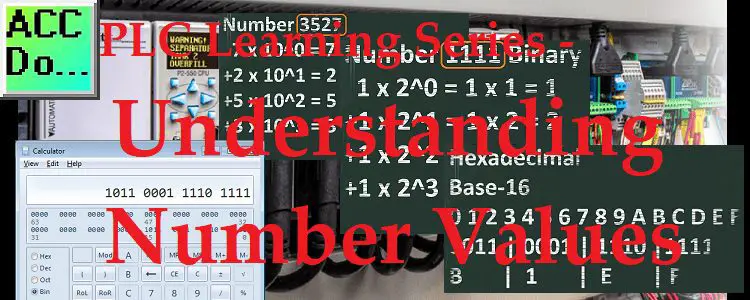
All programmable logic controllers (PLC) have the same numbering system at their core. This is the same with all computers as well. The status of any memory location can be either on or off. A one (1) will represent an on or “True” status and zero (0) will represent an off or “False” status. This … Read more

PLC Learning Series – Memory Backup

PLC Learning Series – Memory Backup

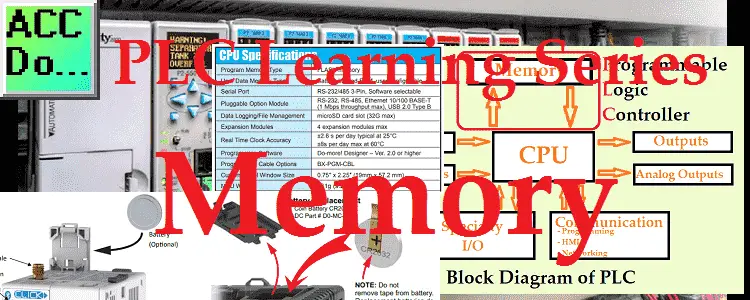
PLC memory is very similar to personal computer memory. There is the operating system and firmware of the processor and connected modules. PLC programs and data that are used by the program are also stored in the memory. We will now look at the basic understanding of memory in the PLC. Looking at two examples … Read more

PLC Training Series – Complete Tutorial for Beginners Now!

PLC Training Series - Tutorial for Everyone

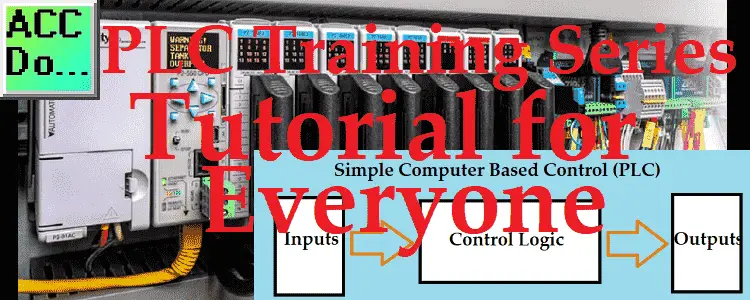
Invented in 1968 by Dick Morley, the programmable logic controller (PLC) is a simple rugged industrial computer. This free plc training series is designed for everyone to learn about these controllers. PLCs are constantly evolving and continue to be the best option for a variety of industrial automation applications. Even though the PLC is changing, … Read more

Learn PLC Programming – The Secret of Counters in the PLC Now!

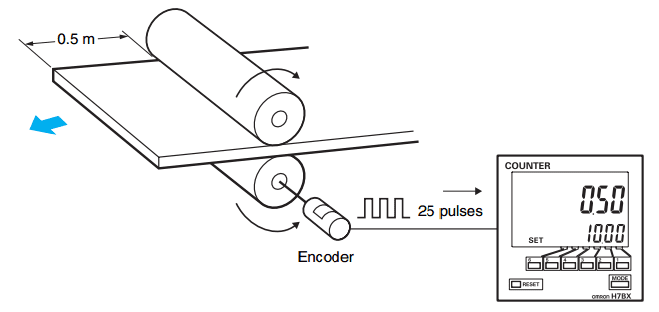
We will now look at the secret of using counters in the PLC. (Secret Using Counters) Counters are used in the majority of PLC programs. This is especially true if part of your SCADA system. Counters like the animated picture above count things. In this situation, we count the number of turns the little guy … Read more

The Secret of Using Timers – PLC Programming

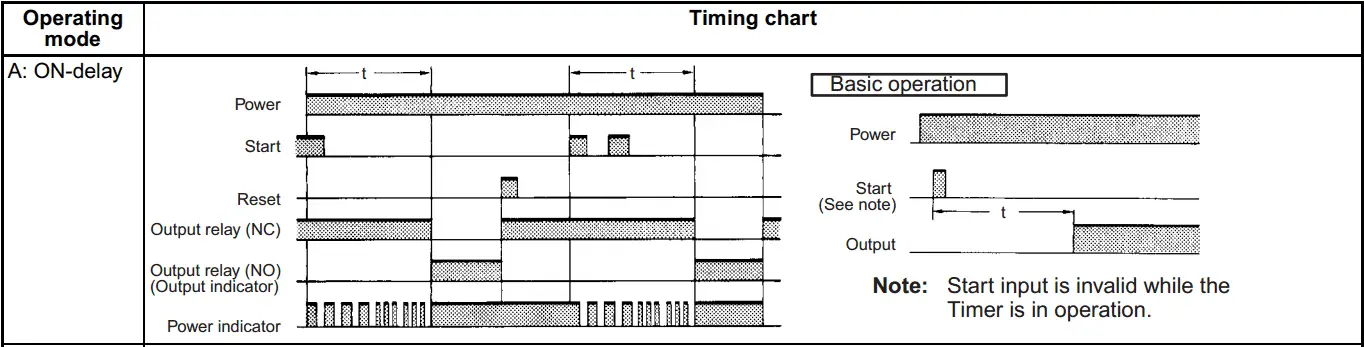
We will now look at the secret of using timers in the PLC. Timers are used in the majority of PLC programs. There are also a wide variety of off-the-shelf industrial timers that you can use. The implementation of timers can be vast; however, it all starts with a TIMING CHART. Timing Chart – Secret … Read more