Master SQL Server Express 2014: Create Databases Like a Pro
Microsoft SQL Server Express 2014 is a free, edition of SQL Server this is ideal for learning and developing desktop, web, and small server applications. The database size can be 10 gigabytes in size. SQL Server Express 2014 release includes the full version of SQL Server 2014 Management Studio. We will be using SQL Server … Read more
How PLCs Remember: Shift Registers Unlock Your Past Data!

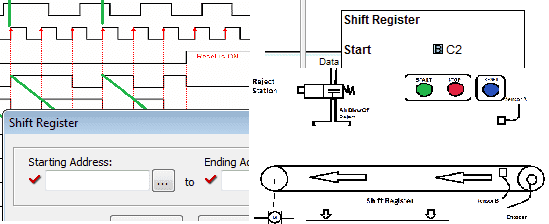
A lot of times when programming a PLC you need to track what has previously happened. Shift registers allow you to do just that. The Click PLC has a shift register in the instruction set. We will discuss the shift register and look at an example.

Excel Conditional Movement of Data

Excel Conditional Movement of Data

I have been recently asked how you can move data conditionally on an excel spreadsheet once the information has been obtained from the PLC? Monthly data was being collected from the PLC and put on an excel spreadsheet using Omron CX-Server DDE. They wanted at the beginning of each month to move the data to … Read more

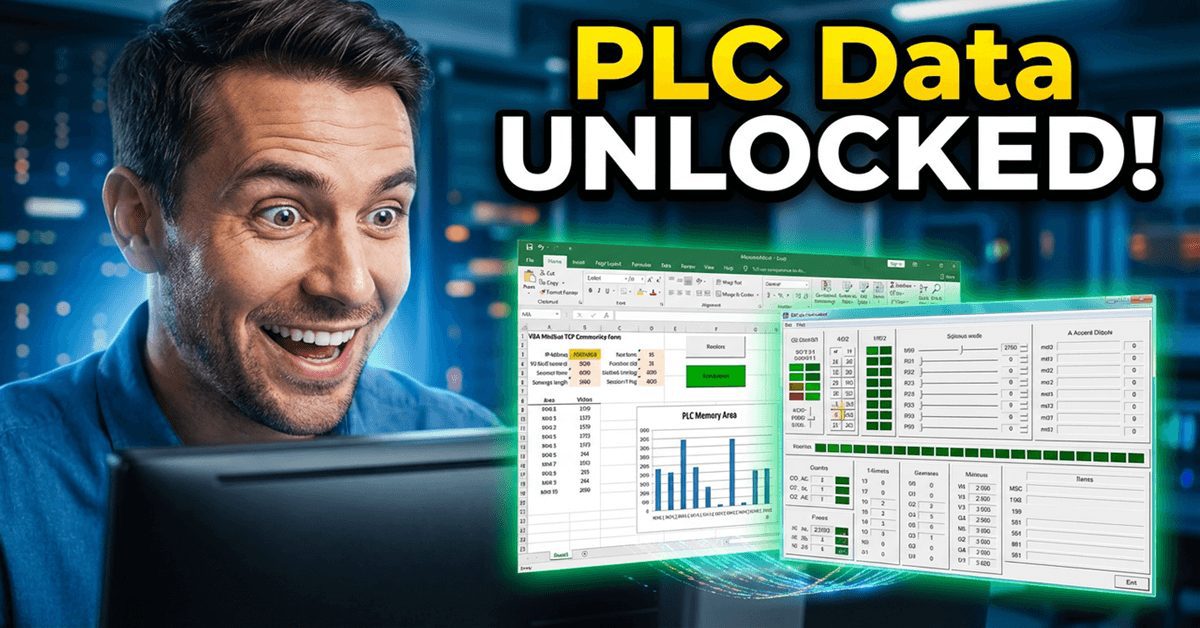
Supercharge PLC Data Extraction with VBA and Modbus!

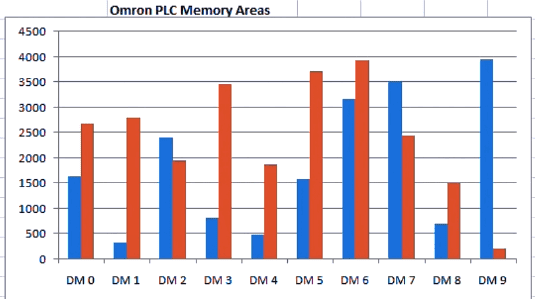
We are using Modbus TCP protocol, reading ten registers in the PLC, and displaying a bar graph in Excel. e will use Visual Basic for Applications (VBA) to communicate with a PLC. Previously we have used VB6 to communicate Modbus TCP. Sequence for Modbus TCP on Excel using VBA The following steps will be done: … Read more

Turn PLC Data into Excel Charts: Live Automation Insights

Utilizing the CX Server DDE Manager will allow us to provide a link to the information in the Omron PLC. This link can be placed on an Excel spreadsheet. Charts, graphs, etc., can be made from the data. We will create links on an excel spreadsheet from a CQM1H and a CP1L PLC. The information … Read more

Crack Omron Host Link VBA Part 2 – Excel PLC Data Revolution

We will use VBA in Excel to communicate to an Omron PLC. This will use the serial host link protocol. ACC Omron Host Link VBA In Part 1, we used VB6 to communicate from the computer to the PLC (Host Link Protocol). We will now use Visual Basic for Applications (VBA) to accomplish the same … Read more

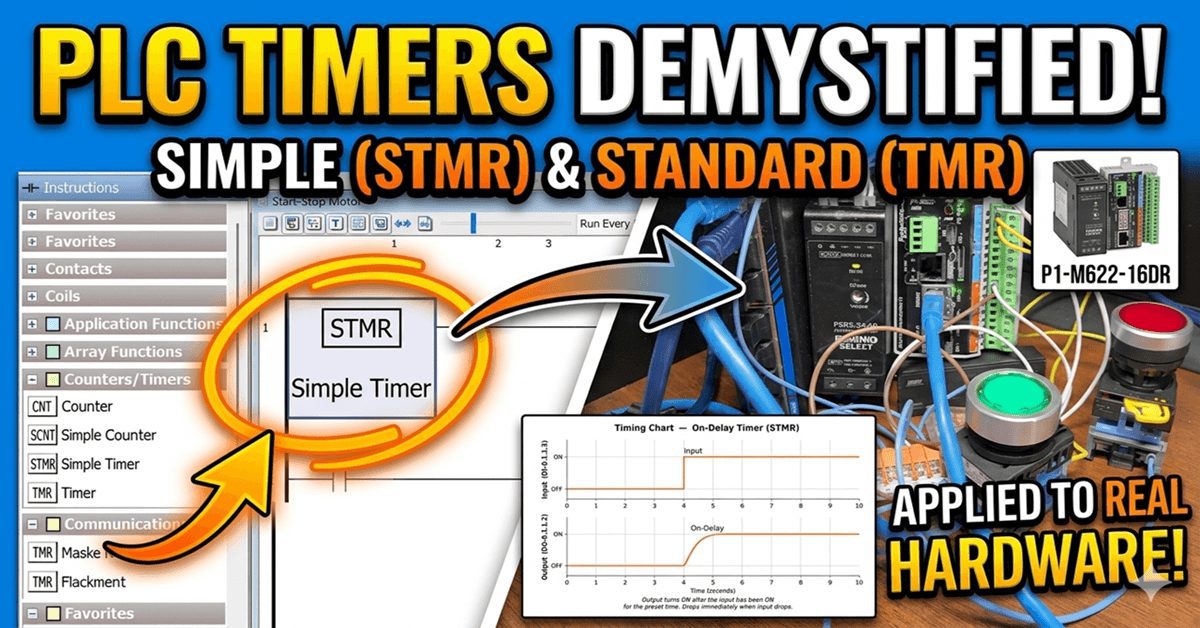
P1-M622-16DR Mini PLC – Contact and Coil Instructions!

P1-M622-16DR Mini PLC – Contact and Coil Instructions!

Contact and coil instructions are in every PLC program. The Productivity Suite Software comprises more than 82 instructions, organized into 13 categories for the PLC. Contacts and Coils are two of those categories. Contact instructions include NO, NC, NO Edge, NC Edge, and Compare. Coil instructions include Out, Set, Reset, OR Out, Flasher, Debounce, Timed, … Read more

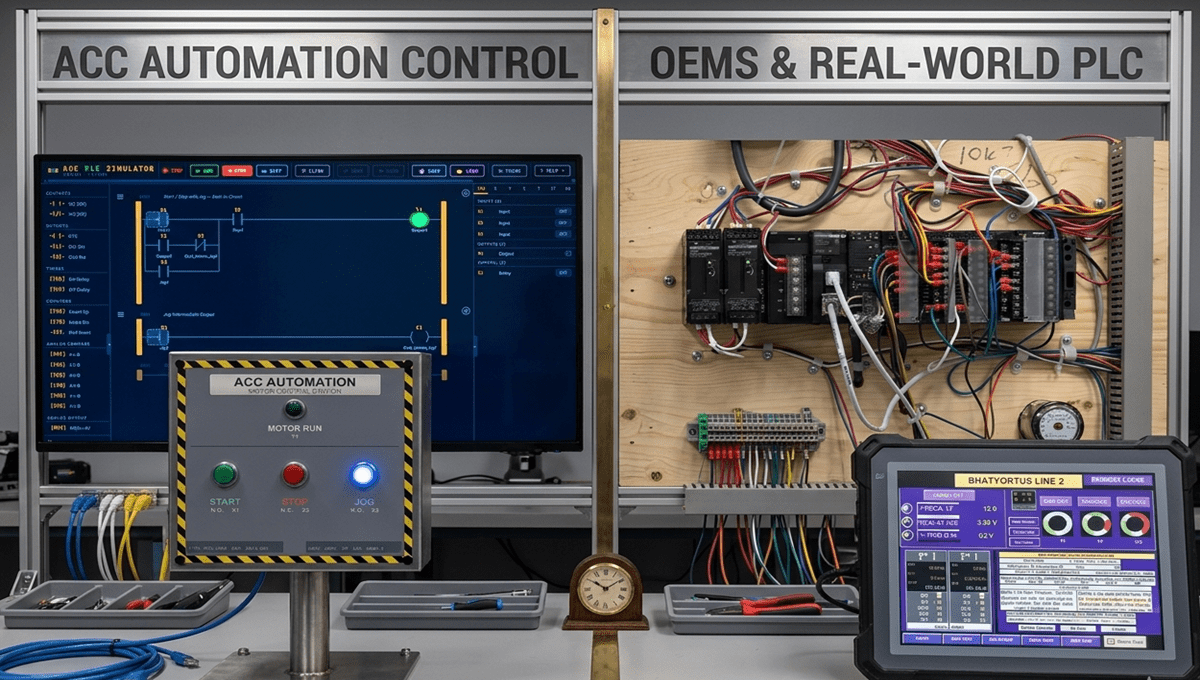
Is It Really Worth Building a PLC Trainer?

This article was written by Chris Urban, an automation educator and PLC trainer with over 30 years of hands-on teaching experience. Find Chris on YouTube and LinkedIn. — CU It’s a fair question — and there’s no simple answer. Let me give you an honest one. How the PLC Was Born The person who invented the PLC had a … Read more

P1-M622-16DR Mini PLC: Your Simulator Adventure Starts Now!

P1-M622-16DR Mini PLC: Your Simulator Adventure Starts Now!

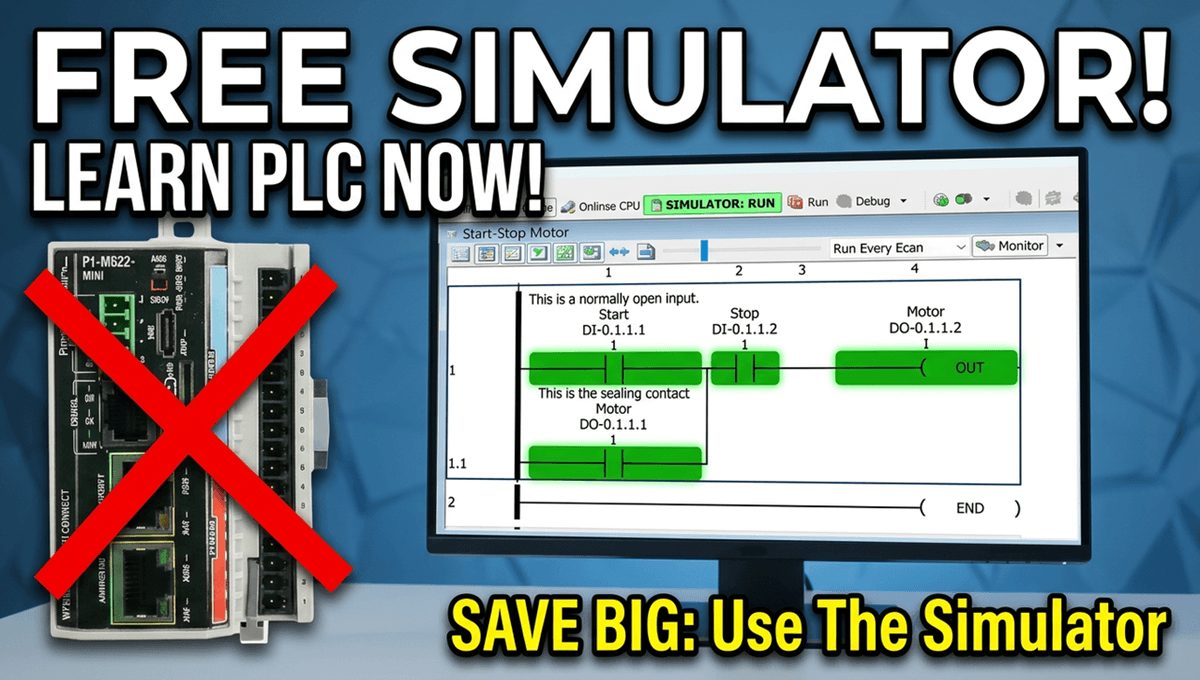
One of the most powerful features of the Productivity Suite software is the built-in PLC simulator. If you don’t have the physical P1-M622-16DR hardware yet—or you’re developing logic at your desk before heading to the plant floor—the simulator lets you program, modify, and test your ladder logic without a single piece of hardware connected. This … Read more

P1-M622-16DR PLC – Learn Now Online Editing and Fail-Safe Wiring!

P1-M622-16DR Mini PLC Online Editing and Fail-Safe Wiring!

The Productivity Suite Software allows us to modify our existing program and execute the new code without stopping the PLC scan. This is referred to as online editing. We change the ladder logic code, and when we save it to the P1-M622-16DR PLC, the current PLC scan is held until the new code is written … Read more