Transform Click PLC Data Into Real-Time Plant Intelligence

Simple Click Data Logging

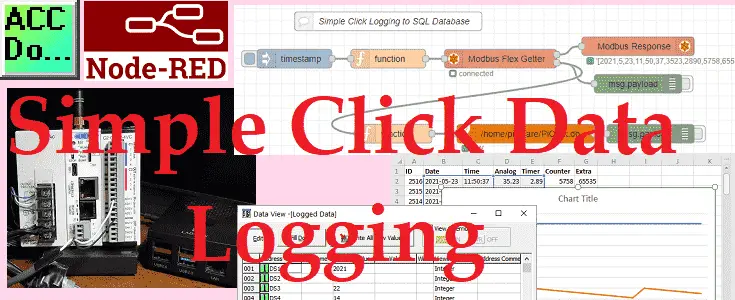
We will now be looking at simple data logging using a Click PLC with an Ethernet port. Node-RED will be used to communicate to the controller via Modbus TCP protocol. Information collected will be then stored in an SQLite SQL database. A Raspberry Pi 4 single-board computer will be used for the Node-RED collecting and … Read more

Do-More PLC Node-RED HTTP Request

Do-More PLC Node-RED HTTP Request

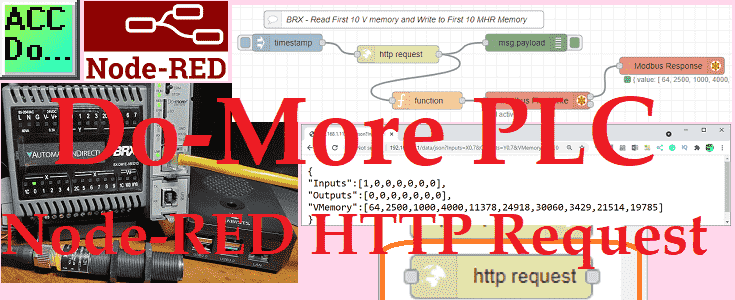
Node-RED HTTP Request can be used to read any BRX Do-More PLC memory area. This HTTP (Hypertext Transfer Protocol) communication will only read information from our controller. The BRX Do-More REST API is used to read information using a URL (Uniform Resource Locator) or web address. We will be using the HTTP request node in … Read more

DATA Logging with Click Plus PLC & Micro SD Card Now!

Click Plus Data Logging - CSV File SQL Database

We will now look at the data logging capability using our Click plus PLC. Data logging is the collection of data over time. This is usually used for data analysis at a later time. The amount of data (System Information) stored and the frequency of the storage will depend on your specific application. The hardware … Read more

Connecting Click Plus PLC to IoT Networks with MQTT Magic

Click Plus PLC MQTT Communication

We will now look at the MQTT communication capability using our Click plus PLC. MQTT stands for Message Queuing Telemetry Transport. This simple ‘publish and subscribe’ communication protocol, does not take too many resources. Constrained devices with low bandwidth are ideal for MQTT. This protocol provides machine-to-machine (M2M) connectivity which is ideal for the Internet … Read more

Transform Your Temperature Control: Modbus RTU to TCP Click PLC!

Node-RED Modbus RTU / TCP Communication

Node-RED can easily connect to industrial controls using Modbus communication. Modbus is a master-slave type of communication. Masters will always send the commands to read or write to the slaves on the network. The slaves will respond if the communication is directed at them. We will be installing the node-red-contrib-modbus palette. This will allow us … Read more

Productivity 1000 PLC with Click IO Implicit Messaging Config.

Productivity 1000 Series PLC Click EthernetIP Remote IO

We will now utilize Ethernet/IP to connect a Click PLC as remote IO on a Productivity system. The productivity series of controllers can use explicit and implicit messaging techniques of EtherNet/IP to optimize data exchanges across the network. Explicit messaging means that the data messages that are transmitted will contain everything needed in order to … Read more

BRX Do-More PLC FTP Client Get Put

BRX Do-More PLC FTP Client Get Put Windows 10 FTP Server

We will look at the BRX Do-More FTP (File Transfer Protocol) on our PLC. Using FTPGET and FTPPUT instructions we can transfer files to an FTP server. Our BRX Do-More PLC now has the ability to be an FTP Client. This will allow us to transfer our logged files to an FTP server that we … Read more

Productivity Open P1AM Arduino Modbus TCP Client to Click PLC

Productivity Open P1AM Arduino Modbus TCP Client to Click PLC

We will now connect our Productivity Open P1AM Arduino to a Click PLC. Using Modbus TCP the Arduino will be the Client (Master) and the Click will be the Server (Slave). We will explain how to connect our P1AM-ETH Industrial Arduino Ethernet Shield to the Click PLC. The protocol will be Modbus TCP on an … Read more

BRX Do-More PLC Dynamic Web Pages

BRX Do-More PLC Dynamic Web Pages

We will now look at creating BRX Do-More dynamic web pages on our PLC web server. These pages are great for operator information display. A dynamic web page is a web page that displays different content each time it’s viewed. For example, the page may change with the time of day, the user that accesses … Read more

BRX Do-More PLC HTTP Web Server – Website

BRX Do-More PLC HTTP Web Server

We will now look at the BRX Do-More PLC Web Server. Ethernet equipped BRX CPUs and the Do-More Designer Simulator can now have a web server. This can be accessed by any web browser using the IP address of the BRX Do-More CPU. A web server is server software or hardware dedicated to running this … Read more