PLC Learning Series – Programming Steps

PLC Learning Series – Programming Steps
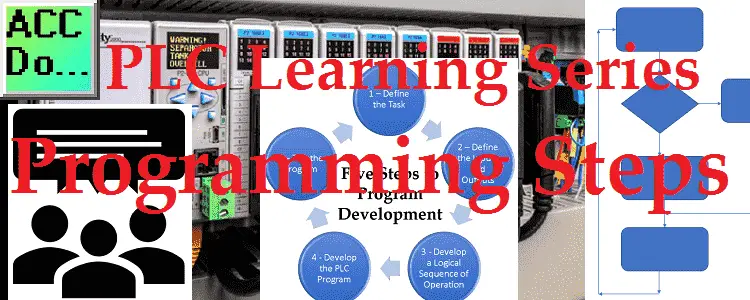
Developing a programmable logic controller (PLC) program can be broken down into five steps. These programming steps are as follows: Five Steps to PLC Program Development Step 1 – Define the task Step 2 – Define the Inputs and Outputs Step 3 – Develop a logical sequence of operation Step 4 – Develop the PLC … Read more
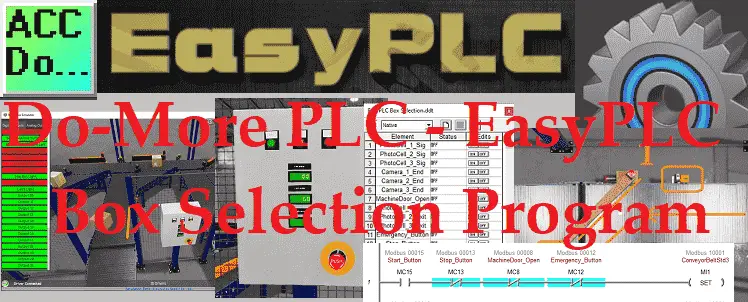
Do-More PLC – EasyPLC Box Selection Program

Do-More PLC – EasyPLC Box Selection Program

The Machine Simulator (MS) is part of the EasyPLC software suite. It has many built-in machines that can be programmed. The box selection (camera management and distribution) is one of these machines. It will read barcodes from the boxes and send them to different exit ramps. The Do-More Designer PLC Simulator will be used to … Read more

PLC Learning Series – Program Cyclic Scan

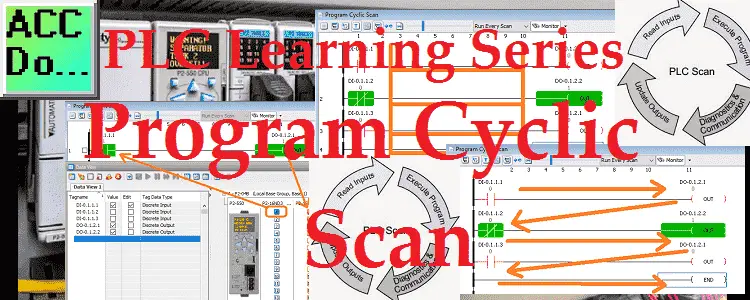
PLC Learning Series - Program Cyclic Scan

Programmable logic controllers (PLC) use a cyclic scan. The time that it takes to complete one scan is called Scan Time. Typical scan times range from 10 milliseconds to 10 microseconds. This translates from 0.01 to 0.0001 seconds per PLC scan. Understanding how the program scan will help us in programming and troubleshooting the PLC. … Read more

Productivity PLC Simulator – Chain Conveyor MS

Productivity PLC Simulator - Chain Conveyor MS

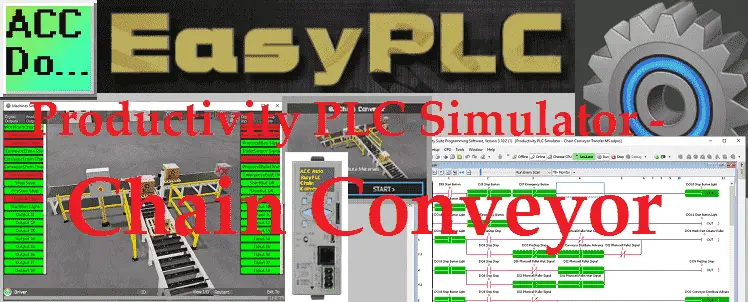
The Machine Simulator (MS) is part of the EasyPLC software suite. It has many built-in machines that can be programmed. The chain conveyor is one of these machines. It will transfer large and small boxes on the line to different locations. The productivity series of PLCs will be used to program this virtual machine. Using … Read more

💽🖥️Master RETENTIVE Memory in Click PLC Programming Now!

Click PLC Retentive Data Memory Registers

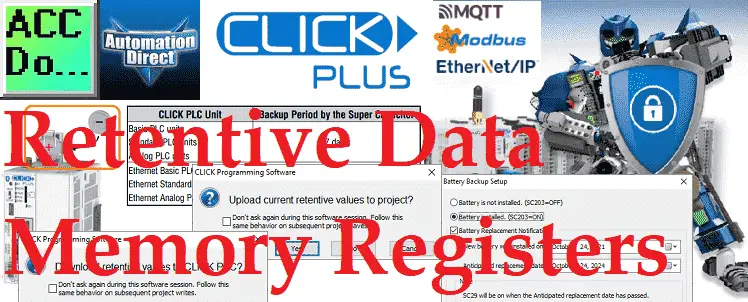
The Click PLC retentive data memory registers are not included in the program file by default. All Click PLC CPUs are included. This option must be selected to include the C, CT, DS, DD, DH, DF, CTD, and TXT memory in the Click project file. We will be enabling the option to include the retentive … Read more

Click PLC – Easy Transfer Line Programming

Click PLC – Easy Transfer Line Programming

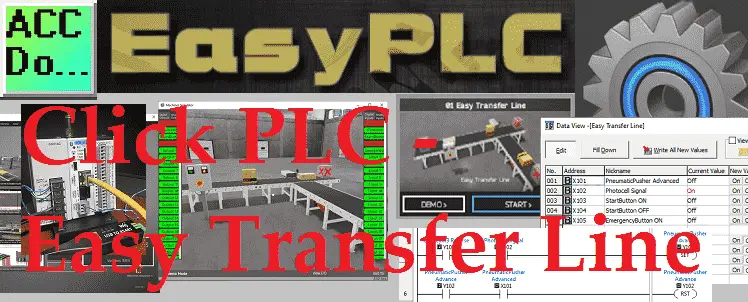
EasyPLC Software Suite is a complete PLC, HMI, and Machine Simulator Software package. This PLC learning package includes a Machine Simulator (MS). This virtual 3D world with real-time graphics and physical properties can communicate to several different programmable logic controllers. (PLC) We will be developing a Click PLC program for a transfer line. This is … Read more

Transform Ideas into 3D Reality: EasyPLC Setup Tutorial

EasyPLC Installing the Software

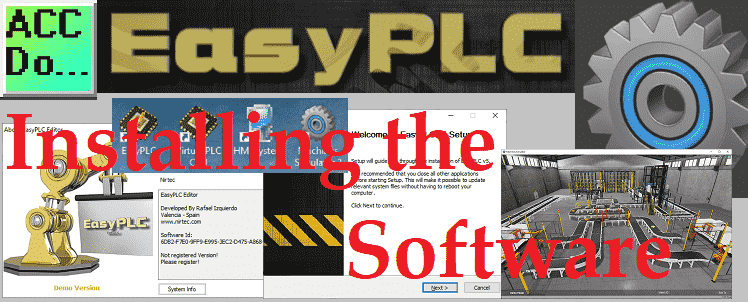
EasyPLC Software Suite is a complete PLC, HMI, and Machine Simulator Software package. This PLC learning package includes the following: Easy PLC – PLC Simulation that will allow programming in Ladder, Grafcet, Logic Blocks, or Script. HMI System – Easily create a visual human-machine interface (HMI) Machine Simulator – A virtual 3D world with real-time … Read more

PLC Learning Series – Memory Backup

PLC Learning Series – Memory Backup

PLC memory is very similar to personal computer memory. There is the operating system and firmware of the processor and connected modules. PLC programs and data that are used by the program are also stored in the memory. We will now look at the basic understanding of memory in the PLC. Looking at two examples … Read more

PLC Learning Series – What are Inputs?

PLC Learning Series - What are Inputs?

PLC inputs are one component of our PLC block diagram. The output actions of the PLC will be controlled based on the inputs. We will be looking at digital and analog inputs that can be wired to the programmable logic controller. We will be looking at wiring of a normally open (NO) push button, normally … Read more

Click PLC Serial Communication Timing Now!

Click PLC Serial Communication Timing

Many questions come from serial communications using the Click PLC. Most of these questions deal with communication timing when using multiple send-and-receive instructions. We will show you how to deal with serial communication timing in the Click PLC. Receive and Send instructions will allow you to send and receive serial data to an external device. … Read more