P1AM Arduino P1 Digital Inputs and Outputs 1
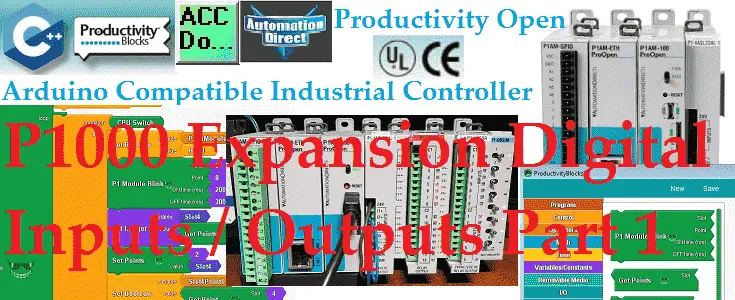
The productivity open Arduino P1AM I/O interface chip-set supports the full suite of Productivity 1000 (P1) Inputs / Outputs expansion modules. These modules are industry approved and proven in the industrial environment. Modern industrial signal levels for digital and analog inputs and outputs are used. P1000 modules available to you include the following: • Discrete … Read more
Essential P1AM Arduino Math: From Basics to Complex Operations

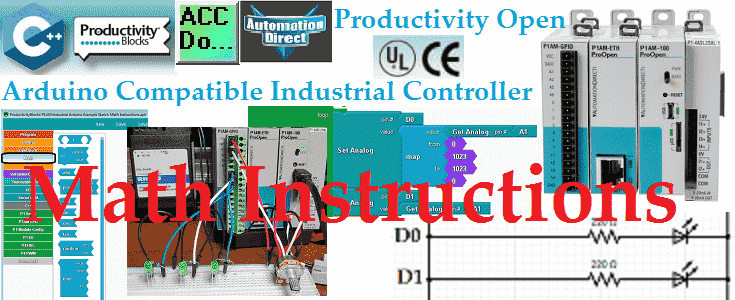
Math instructions in your Arduino sketches (programs) consist of arithmetic operations, compound operators, absolute, power, square root, sin, cos, tan, random, map and constrain. These instructions will be generally used with other instructions in your sketch. We will be looking at each of these instructions that are available using productivity blocks. A sample program will … Read more

What Are Arduino P1AM Data Types? Find Out Fast Now!

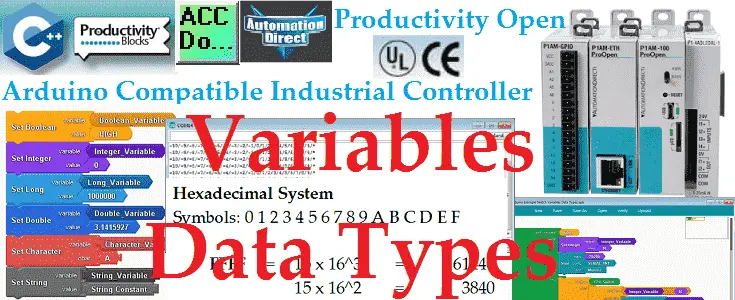
What Are Arduino P1AM Data Types? Find Out Fast Now! We will look at Arduino variables data types that can be used with our P1AM unit. Data types in the C++ language are used to determine the variable or function applied for the given type. The type will determine the size of the storage (bits), … Read more

P1AM Industrial Arduino Program Structure

We will now look at the P1AM industrial Arduino program structure. The P1AM-100 industrial controller is programmed with the Arduino IDE (Integrated Development Environment). The arduino IDE will allow us to write sketches (programs). These sketches have basic common elements like setup and loop. We will be looking at these elements in our first program … Read more

Master PLC Programming: Smart Documentation Tricks Inside!

Last time we created our first program and transferred this to our connected Productivity 1000 Series PLC. This was programmed with our computer running the Productivity Suite Software. One of the most important aspects of programming the PLC is to document. This will aid you and your team in programming, troubleshooting, and modifying the automation … Read more

Turn Your Phone Into a Powerful PLC Control Panel!

Suppanel is an Android app that is used to create a human machine interface (HMI). This HMI panel can be created on your computer, tablet or phone using the appropriate operating system or software. You can use this software to create panels that you can control or modify values in your automated system. These panels … Read more

Easy BRX Do-More PLC Data Logging Tutorial Now! 🖥️

Data logging does not have to be complicated anymore. The BRX Do-More Series PLC can log your specific data up to 32 Gigabits on a Micro SD Card. It will store your data for future data analysis in a CSV (Comma Separated Value) Txt file based on time and/or event. This is all accomplished with … Read more

ACC Automation 2017 Review

ACC Automation We would like to take a few minutes and reflect on the past, current and future of ACC Automation. 2017 has been our best year yet thanks to you. Your questions, comments and suggestions have helped us to build the site that you see today. Thank you.

BRX Do-More PLC Serial Communication – Modbus to Solo Controller

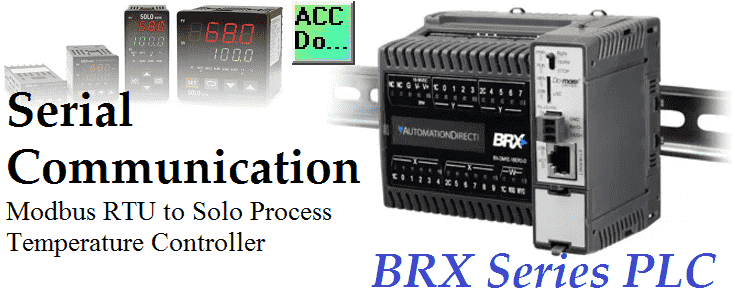
We will now look at using serial Modbus RTU to communicate with a Solo process temperature controller using our BRX Do-More Controller. Serial communication instructions will allow you to send and receive serial data to an external device. The communication method that you set up can be ASCII or numeric (binary). ASCII (American Standard Code … Read more

BRX Do-More PLC Drum Instruction Sequence!🚦

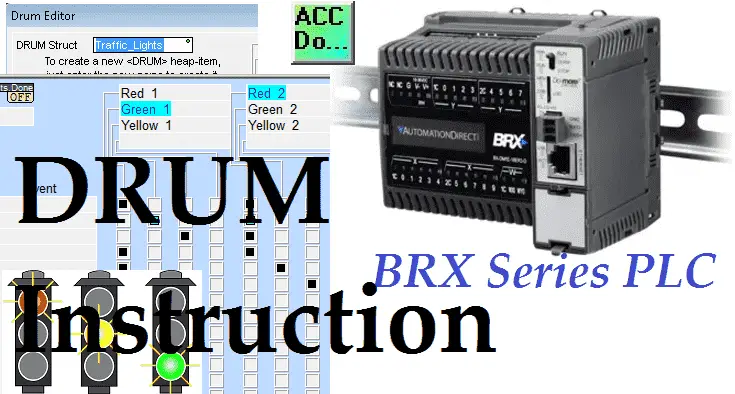
We will now look at the drum instruction in our BRX Do-More Controller. Drum instructions are great tools when you have a simple sequence of events that must occur at set intervals or after another event. They mimic an electromagnetic drum sequencer. The BRX Series PLC has a drum in the instruction set. Have you … Read more